
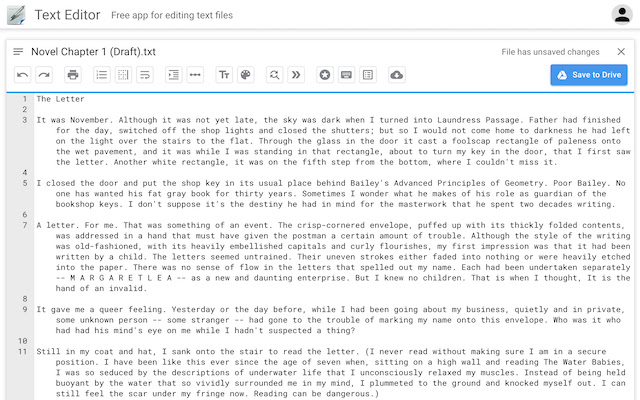
Blog post title: What is a text editor?
Subtitle 1: What is a text editor?
Body:
A text editor is a computer program that allows users to create, edit, and save text files. Text files are plain text files that contain only letters, numbers, and symbols. Text editors do not support formatting features such as bold, italics, and underlining. However, they can be used to create and edit a wide variety of files, including:
- Source code for computer programs
- Web pages
- Configuration files
- Documentation
- Markdown files
- Plain text files
Text editors are available for all major operating systems, including Windows, macOS, and Linux. Some popular text editors include:
- Notepad (Windows)
- TextEdit (macOS)
- Sublime Text
- Visual Studio Code
- Atom
- Emacs
- Vim
Subtitle 2: Features of a text editor
Body:
Text editors vary in features, but most text editors include the following basic features:
- The ability to create, open, save, and close text files
- The ability to insert, delete, and modify text
- The ability to copy, paste, and cut text
- The ability to find and replace text
- The ability to undo and redo changes
Some text editors also include additional features, such as:
- Syntax highlighting: This feature colors different parts of a program's code to make it easier to read and understand.
- Code completion: This feature suggests code as you type, which can help you to write code more quickly and accurately.
- Linting: This feature checks your code for errors and stylistic issues.
- Integration with other tools: Some text editors can be integrated with other tools, such as version control systems and debuggers.
Subtitle 3: Uses of a text editor
Body:
Text editors are used by a wide variety of people, including:
- Software developers: Text editors are used to write and edit source code for computer programs.
- Web developers: Text editors are used to write and edit HTML, CSS, and JavaScript files for web pages.
- System administrators: Text editors are used to edit configuration files and other system files.
- Writers: Text editors can be used to write and edit plain text documents, such as Markdown files and README files.
- Students: Text editors can be used to write and edit essays, reports, and other schoolwork.
Subtitle 4: How to choose a text editor
Body:
When choosing a text editor, there are a few things to consider:
- Features: What features are important to you? Do you need a text editor with syntax highlighting, code completion, or other advanced features?
- Price: Some text editors are free, while others require a paid subscription.
- Platform: What operating system do you use? Make sure to choose a text editor that is compatible with your operating system.
If you are not sure which text editor to choose, there are a few popular text editors that are a good place to start:
- Sublime Text: Sublime Text is a powerful and versatile text editor that is available for Windows, macOS, and Linux. It has a wide range of features, including syntax highlighting, code completion, and linting.
- Visual Studio Code: Visual Studio Code is a free and open-source text editor from Microsoft. It is available for Windows, macOS, and Linux. It has a wide range of features, including syntax highlighting, code completion, and integration with other tools, such as Git and debuggers.
- Atom: Atom is a free and open-source text editor from GitHub. It is available for Windows, macOS, and Linux. It has a wide range of features, including syntax highlighting, code completion, and a built-in package manager.
Once you have chosen a text editor, you can start using it to create, edit, and save text files.
Subtitle 5: Tips for using a text editor
Body:
Here are a few tips for using a text editor:
- Use keyboard shortcuts: Text editors typically have a wide range of keyboard shortcuts that can help you to work more quickly and efficiently. Learn the keyboard shortcuts for your favorite text editor so that you can use them to speed up your workflow.
- Use syntax highlighting: Syntax highlighting is a feature that colors different parts of a program's code to make it easier to read and understand. If your text editor supports syntax highlighting, turn it on so that you can easily identify different parts of your code.
- Use code completion: Code completion is a feature
WebWhether you're looking for an app to paste in a quick snippet of code or require a robust text editor with IDE-style features, you should find it in our round up of. WebHere is what users liked best about these popular Text Editor software products. Notepad++: "The interface is easy to use and has extensive support for highlighting syntax based off.
Text Editor
Source: chrome.google.com
Text editor - Wikiwand
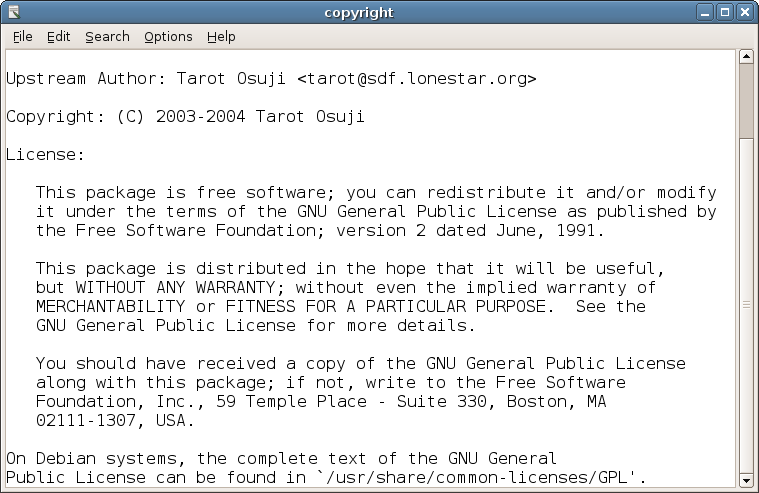
Source: Wikiwand
Text Editor Pro
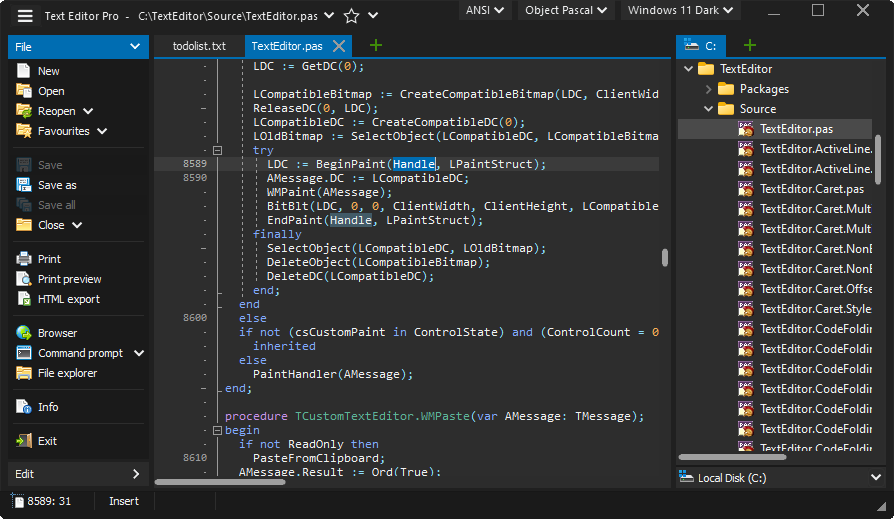
Source: texteditor.pro
What Is The Text Editor, Text Editor VS IDE Explained In 2 Minutes!, 2.84 MB, 02:04, 8,545, Cadams Tech, 2021-10-27T23:08:35.000000Z, 2, Text Editor, chrome.google.com, 400 x 640, jpg, , 3, what-is-the-text-editor
What Is The Text Editor.
In this video I tell you some of the similarities and differences between Text Editor's like Sublime Text, Atom, and VS Code and IDE (Integrated Development Environment)'s like some of which the JetBrain's suite has to offer along with others like Visual Studio (IDE).
I should also tell you that text editor's (such as VS Code) have come a long way these days in terms of how much they can be extended from the "out of the box" scenario that I attempt to explain in this video.
I should also disclose that I'm partial to JetBrains IDE's, and when I say things like IDE's have a "slower response time", "bogged down", etc it's usually due to all of the helpful tools that are included with the IDE, but at the expense of performance. :/
Thanks for taking the time to watch this, and please like, subscribe, and share!
Check out my other videos!
- How I would become a web developer in 6 months! youtu.be/9qosgRkI23M
- Is Software Engineering Right for You? youtu.be/Xh_5wv7C7pA
- Is Being a Developer Hard? youtu.be/L5eaxOOtfGs
- Does the Programming Language Matter? youtu.be/B7eD998bcMA
- The BIGGEST Programming Tip Ever! youtu.be/-sXLcvBd-Qw
Text Editor
What Is The Text Editor, WebHere is what users liked best about these popular Text Editor software products. Notepad++: "The interface is easy to use and has extensive support for highlighting syntax based off.
Text Editor VS IDE Explained In 2 Minutes!
Source: Youtube.com
Chapter 1: "Introduction to text editors" from Learn Enough Text Editor to Be Dangerous
Source: Youtube.com
What is the text editor in ubuntu
What is the text editor in ubuntu What is the text editor in powershell.
What is the text editor in powershell
What is the text editor in powershell What is the text editor for windows.
What is the text editor for windows
What is the text editor for windows What is the text editor for mac.
.
What is the text editor for mac
What is the text editor for mac What is the text editor.
.
What is the text editor
What is the text editor What is the text editor for mac.
What is the text editor program www.ultraedit.com › blog › what-is-a-text-editorWhat is a text editor? Help me choose one! - UltraEdit
What is the text editor program A text editor is used to create, change, or edit plain text files. Many people use text editors to open and modify plain text files like programming source code, config files (think JSON, XML, etc.), documentation (things like wiki markup and Markdown), log files, and much more. What is the text editor in computer.
What is the text editor program.
.
.
.
.
.
A text editor is a type of computer program that edits plain text. Such programs are sometimes known as "notepad" software (e.g. Windows Notepad). Text editors are provided with operating systems and software development packages, and can be used to change files such as configuration files, documentation files and programming language source code. Wikipedia .
What is the text editor in computer www.techradar.com › best › best-text-editorsBest text editors of 2024 | TechRadar
What is the text editor in computer Software & Services Best text editors of 2024 Best By Desire Athow last updated 11 April 2023 Craft beautiful code with these free and paid-for text editors (Image credit: Pixabay) The best, What is the text editor in windows 10.
What is the text editor in windows 10 techterms.com › definition › texteditorText Editor Definition - What is a text editor? - TechTerms.com
What is the text editor in windows 10 Text Editor A text editor is a software application that creates and edits plain text files. In addition to simply typing text directly, they can cut, copy, and paste text from other sources and quickly find and replace text within a file. Text editors lack the text formatting features of word processors, which use rich text files instead. What is the text editor for chromebook.
What is the text editor for chromebook en.wikipedia.org › wiki › Text_editorText editor - Wikipedia
What is the text editor for chromebook A text editor is a type of computer program that edits plain text. Such programs are sometimes known as " notepad " software (e.g. Windows Notepad ). What is the text editor in linux.
What is the text editor in linux
What is the text editor in linux What is the text editor in ubuntu.


Post a Comment