
A Comprehensive Guide to Text Editors for macOS
Introduction
If you're a Mac user, you probably know that TextEdit is the default text editor. It's a simple app that can be used for basic tasks like writing emails, creating documents, and editing code. But there are many other text editors available for Mac, each with its own unique features and benefits.
In this blog post, we'll take a comprehensive look at text editors for macOS. We'll discuss the different types of text editors available, the features to look for, and our top recommendations for different use cases.
A text editor is a software application that allows you to create and edit text files. Text files can be used for a variety of purposes, such as writing documents, creating code, and storing data.
There are many different types of text editors available, ranging from simple apps like TextEdit to powerful IDEs (integrated development environments) like Visual Studio Code. The type of text editor you need will depend on your specific needs and preferences.
Features to Look for in a Text Editor
When choosing a text editor, there are a few key features to look for:
- Syntax highlighting: This feature highlights different parts of your code or text with different colors, making it easier to read and understand.
- Auto-completion: This feature suggests words and phrases as you type, which can help you to write faster and more accurately.
- Error checking: This feature scans your code or text for errors, such as typos and missing semicolons.
- Code refactoring: This feature allows you to automatically reorganize and rewrite your code, which can make it more efficient and maintainable.
- Integration with other tools: Some text editors integrate with other tools, such as version control systems and debuggers. This can make your workflow more efficient.
Top Recommendations for Text Editors for Mac
Here are our top recommendations for text editors for Mac, based on different use cases:
- Best overall text editor: Sublime Text
- Best text editor for beginners: Atom
- Best text editor for coders: Visual Studio Code
- Best text editor for writers: Ulysses
- Best text editor for Markdown: Typora
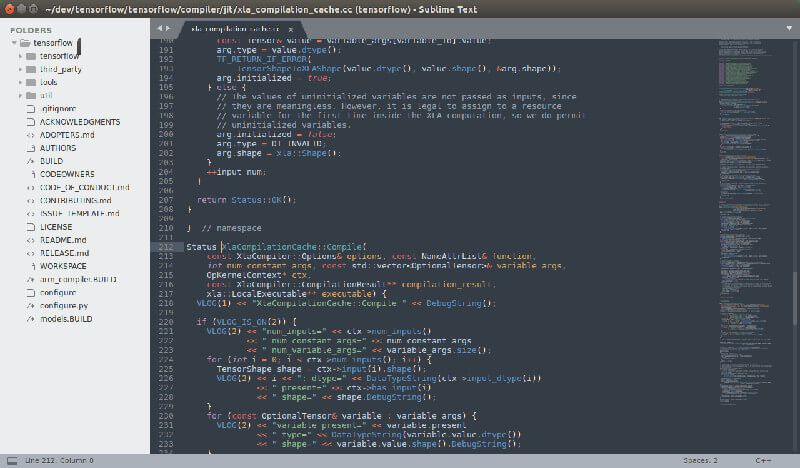
Sublime Text
Sublime Text is a powerful text editor that is popular among both beginners and experienced users. It offers a wide range of features, including syntax highlighting, auto-completion, error checking, and code refactoring. Sublime Text also has a very clean and user-friendly interface.
Atom
Atom is a free and open-source text editor that is known for its flexibility and extensibility. It comes with a wide range of features out of the box, but it can also be customized with plugins. Atom is a good choice for both beginners and experienced users.
Visual Studio Code
Visual Studio Code is a free and open-source IDE that is popular among web developers. It offers a wide range of features for coding, including syntax highlighting, auto-completion, error checking, and code refactoring. Visual Studio Code also integrates with other tools, such as Git and debuggers.
Ulysses
Ulysses is a text editor that is specifically designed for writers. It offers a variety of features that make it easy to write and organize your writing, such as a focus mode, a goal setting system, and a library for storing your work.
Typora
Typora is a text editor that is specifically designed for writing in Markdown. It offers a variety of features that make it easy to write and edit Markdown, such as a live preview of your work and a built-in table of contents generator.
Conclusion
There are many great text editors available for Mac. The best text editor for you will depend on your specific needs and preferences. If you're not sure which text editor to choose, we recommend trying out a few different ones to see which one you like best.
HTML Tags
Here are the HTML tags used in this blog post:
<h2>: This tag is used to create a subheading.<p>: This tag is used to create a paragraph of text.<ul>: This tag is used to create an unordered list.<li>: This tag is used to create an item in an unordered list.<ol>: This tag is used to create an ordered list.<img>: This tag is used to insert an image.<a>: This tag is used to create a hyperlink.
Example HTML Code
Here is an example of how to use the HTML tags above to create a blog post:
<h2>What is a Text Editor?</h2> <p>A text editor is a software application that WebIn the TextEdit app on your Mac, choose File > Open. Select the document, then click Open. If your document is stored in iCloud Drive, you can select TextEdit in the iCloud section.
10 Free Text Editors for macOS 10.15 Catalina in 2019
Source: pdf.wondershare.com
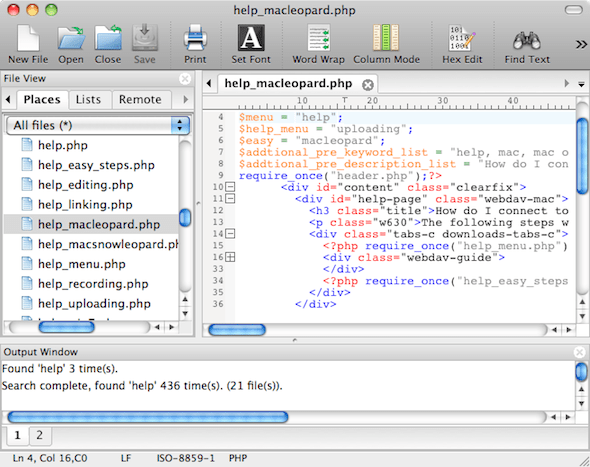
Top 5 Text Editors. Best Text Editor Apps for Mac OS X
Source: cleverfiles.com
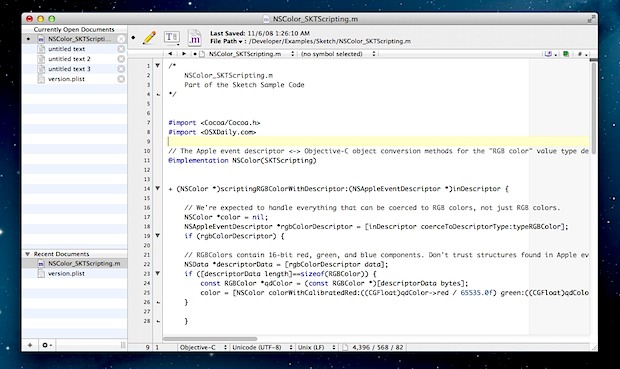
The Best Free Text Editor for Mac OS X Just Got Better: TextWrangler 4 | OSXDaily
Source: osxdaily.com
What Is The Text Editor For Mac, Mac Basics: Simple Documents With TextEdit, 12.89 MB, 09:23, 57,168, macmostvideo, 2021-12-06T07:00:08.000000Z, 2, 10 Free Text Editors for macOS 10.15 Catalina in 2019, pdf.wondershare.com, 468 x 800, jpg, , 3, what-is-the-text-editor-for-mac
What Is The Text Editor For Mac. Web1. What makes a good Mac text editor? 2. What text editor comes with Mac? 3. What is a good free text editor for Mac? 4. Can I use Notepad ++ on Mac? 5.. WebBut they have a common goal: making writing code easier – easier to compose, debug, and read. In this article, we'll look at five code editors that can improve.
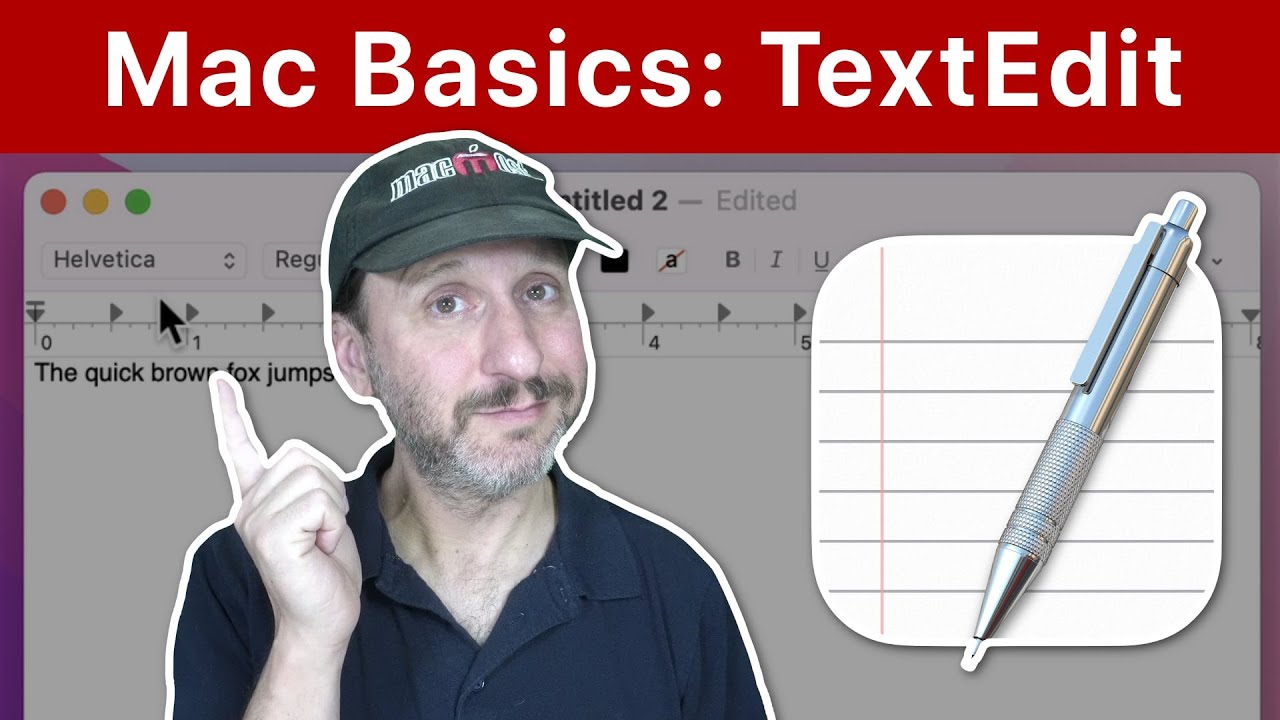
macmost.com/e-2592 TextEdit is an app that comes with your Mac and allows you to create and edit simple text and word processing documents. You can use it to create notes that exist as files, to record information, to start writing, edit code, or open Word documents.
FOLLOW MACMOST FOR NEW TUTORIALS EVERY DAY
▶︎ YouTube — macmost.com/j-youtube (And hit the 🔔)
▶︎ YouTube Email Notifications — macmost.com/ytn ⭐️
▶︎ MacMost Weekly Email Newsletter — macmost.com/newsletter ✉️
SUPPORT MACMOST AT PATREON
▶︎ macmost.com/patreon ❤️
#macmost #mactutorial #textedit
10 Free Text Editors for macOS 10.15 Catalina in 2019
What Is The Text Editor For Mac, WebIn the TextEdit app on your Mac, choose File > Open. Select the document, then click Open. If your document is stored in iCloud Drive, you can select TextEdit in the iCloud section.
Mac Basics: Simple Documents With TextEdit
Source: Youtube.com
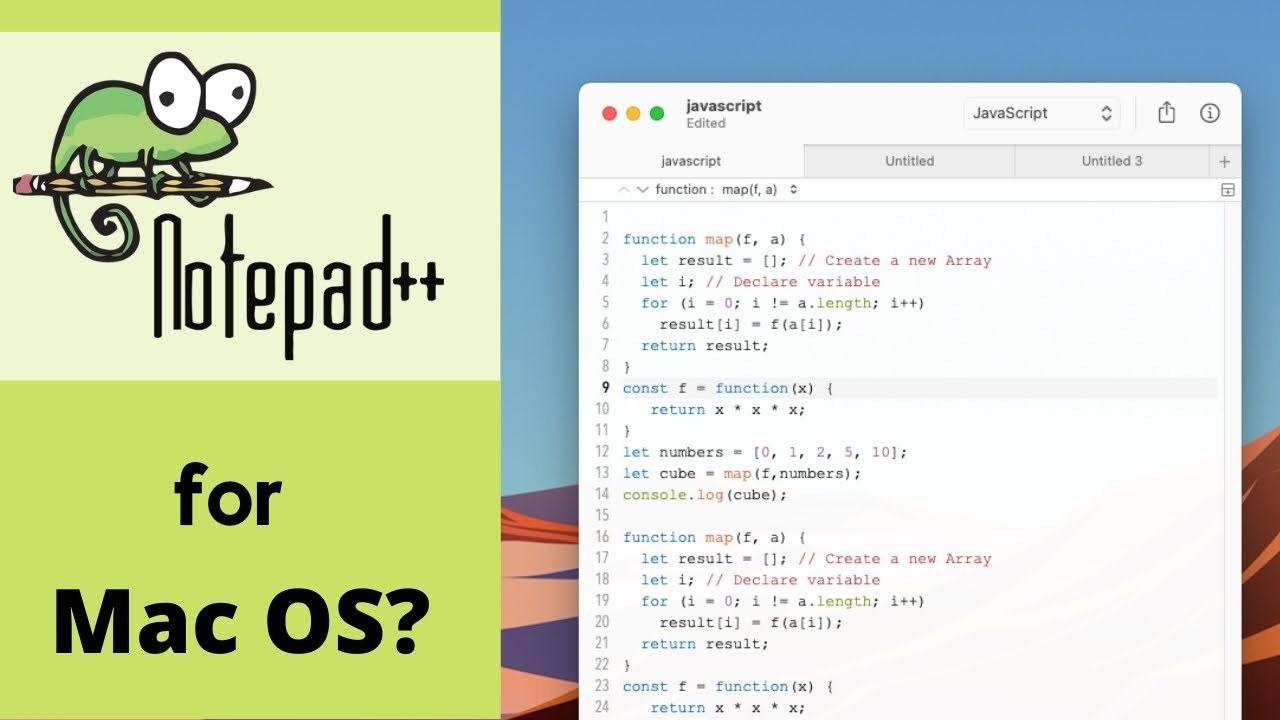
Best Notepad++ alternative for Mac OS (free)
Source: Youtube.com
What is text edit on macbook pro
What is text edit on macbook pro What is the best free text editor for mac.
What is the best free text editor for mac
What is the best free text editor for mac What is the default text editor for mac.
What is the default text editor for mac
What is the default text editor for mac What is the best text editor for mac.
.
What is the best text editor for mac
What is the best text editor for mac What is the text editor for mac.
.
What is the text editor for mac
What is the text editor for mac What is the best text editor for mac.
www.igeeksblog.com › best-text-editors-mac8 Best text editors for Mac in 2024 - iGeeksBlog
1. VS Code – Editor's Choice 2. Atom – Customizable text editor 3. Sublime Text – Easy-to-use text editor 4. Brackets – Your web dev assistant 5. Vim – Lightweight Mac text editor 6. BBEdit – The award-winning text editor 7. Emacs – Simple text editor 8. UltraEdit – Multi-language supported editor for Mac FAQs .
www.macobserver.com › tips › round-ups6 Best Text Editors for Mac in 2024 - The Mac Observer
.
.
.
.
.
.
.
www.freecodecamp.org › news › the-5-best-codeThe 5 Best Code Editors for Mac – MacOS Text Editor Guide
The 5 Best Code Editors for Mac – MacOS Text Editor Guide Dillion Megida When you're coding, you're writing various text that can be executed by different language compilers. And what makes this text fun and easy to write are the editors that we use. Different editors have different features. .
What text editor comes with mac.
What text editor comes with mac techpp.com › 2021/05/21 › text-editors-mac5 Best Text Editors for Mac in 2024 - TechPP
What text editor comes with mac TextEdit, the default text editor on the Mac, is great for file creation and editing. However, it isn't suitable for writing or reviewing code, owing to a lack of functionality. IMAGE: Joan, What is text editor on my mac.
What is text editor on my mac support.apple.com › guide › texteditTextEdit User Guide for Mac - Apple Support
What is text editor on my mac Learn how to use TextEdit on your Mac to create and edit plain text, rich text (.rtfd), and HTML documents. What is text edit on macbook pro.


Post a Comment