
Introduction
A location request is a request for a device's current location. This request can be made by an app, website, or other service. Location requests are used for a variety of purposes, such as providing navigation directions, finding nearby businesses, and delivering location-based advertising.
Types of location requests
There are two main types of location requests:
- One-time requests: These requests are made for a single location update. For example, a navigation app might make a one-time request when the user starts navigating to a new destination.
- Continuous requests: These requests are made for regular location updates. For example, a weather app might make a continuous request so that it can always show the user the current weather conditions for their location.
How location requests work
When an app, website, or other service makes a location request, the device's location provider uses a variety of sensors to determine the device's location. The most common sensors used for location tracking are GPS, Wi-Fi, and cellular triangulation.
Once the location provider has determined the device's location, it sends this information to the service that made the request. The service can then use this information to provide the user with the requested information or service.
Benefits of location requests
Location requests can provide a number of benefits to users, including:
- More relevant results: Many apps and websites can provide more relevant results to users if they know the user's location. For example, a search engine can show the user the nearest restaurants or attractions when the user searches for "restaurants near me."
- Improved navigation: Location requests are used by many navigation apps to provide users with turn-by-turn directions.
- Location-based advertising: Location requests can be used to deliver more relevant advertising to users. For example, an advertiser might show the user ads for businesses that are located near the user.
Privacy concerns
Location requests can also raise some privacy concerns. For example, users may be concerned about apps or websites tracking their location without their permission.
To address these concerns, many devices and operating systems allow users to control which apps and websites have access to their location. Users can also choose to disable location tracking altogether.
How to manage location requests
There are a number of ways to manage location requests on your device:
- Allow or deny location access for individual apps: On most devices, you can choose to allow or deny location access for individual apps. To do this, go to your device's settings and look for the "Location" section.
- Choose a location permission mode: Some devices allow you to choose a location permission mode. For example, you might choose to allow apps to access your location only while you are using them.
- Disable location tracking: You can also disable location tracking altogether. To do this, go to your device's settings and look for the "Location" section.
Best practices for using location requests
If you are developing an app or website that uses location requests, there are a number of best practices you should follow:
- Only request location information when you need it: Don't request location information unless you need it to provide the user with a requested feature or service.
- Be transparent about why you are requesting location information: Explain to the user why you are requesting location information and what you will do with it.
- Allow the user to control location access: Give the user the option to allow or deny location access for your app or website.
- Securely store and transmit location information: Store and transmit location information securely to protect the user's privacy.
Conclusion
Location requests can be a valuable tool for providing users with relevant information and services. However, it is important to use location requests responsibly and to respect the user's privacy.
WebApparently the locationrequest method is deprecated and I would like to know how to alternatively request that. Unfortunately I couldn't find anything concrete as. WebLocationRequest objects are used to request a quality of service for location updates from the LocationClient . For example, if your application wants high accuracy location it. WebLocation and Content-Location are different. Location indicates the target of a redirection or the URL of a newly created resource. Content-Location indicates the direct. WebLocation Request Messages: Messages that request the user's location. Interactive Message Specifications. Interactive messages can be combined together in the same.
Location Request Emergency Android System Problem Fix 2022 | location request emergency turn off

Source: Youtube.com
ANY iPhone How To Accept Location Request!
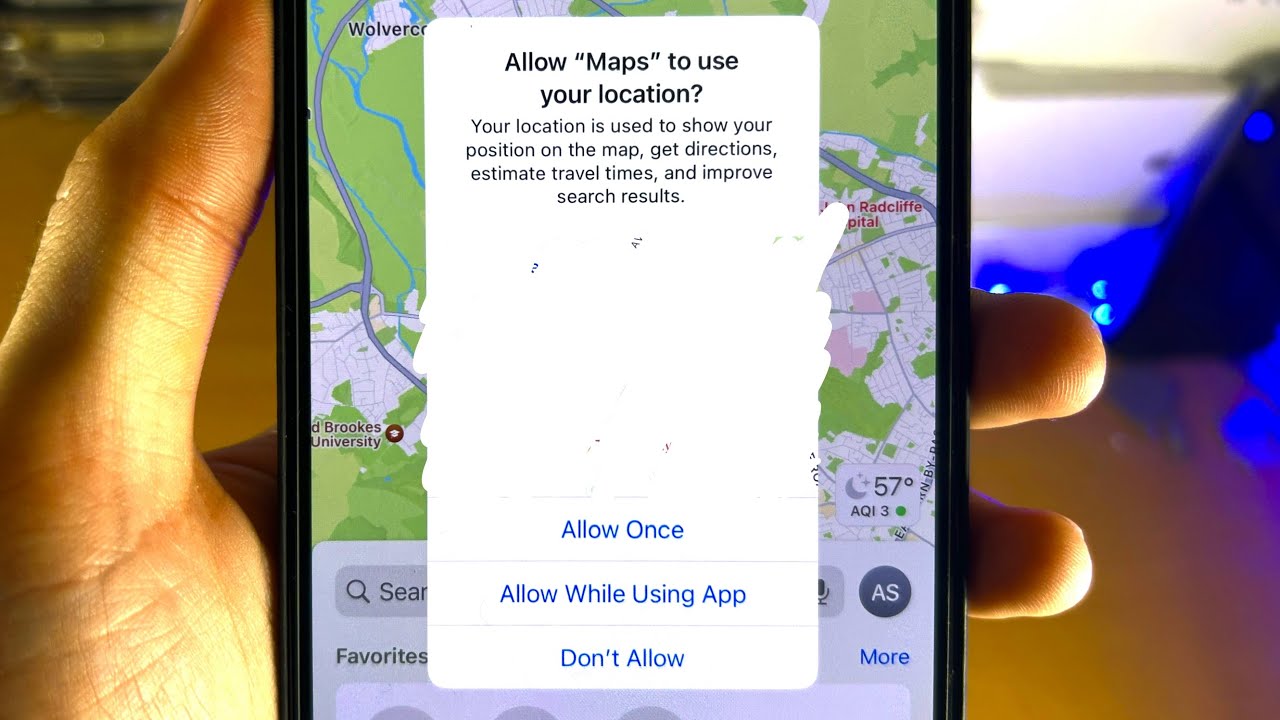
Source: Youtube.com
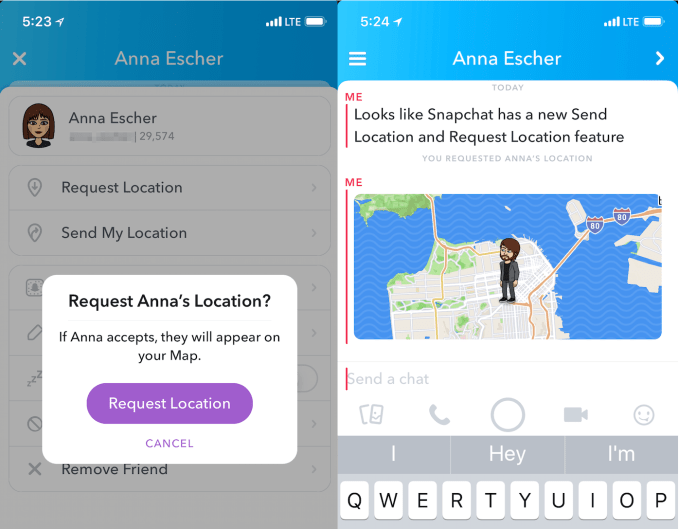
What Is A Location Request, Location Request Emergency Android System Problem Fix 2022 | location request emergency turn off, 1.92 MB, 01:24, 56,920, NyaTech, 2022-04-21T05:29:04.000000Z, 2, Snapchat launches less creepy Send and Request Location features | TechCrunch, 529 x 679, jpg, , 3, what-is-a-location-request
What Is A Location Request.
Location Request Emergency Android System Problem Fix 2022 | location request emergency turn off
What Is A Location Request, WebLocation Request Messages: Messages that request the user's location. Interactive Message Specifications. Interactive messages can be combined together in the same.
Snapchat launches less creepy Send and Request Location features | TechCrunch - Source: techcrunch.com
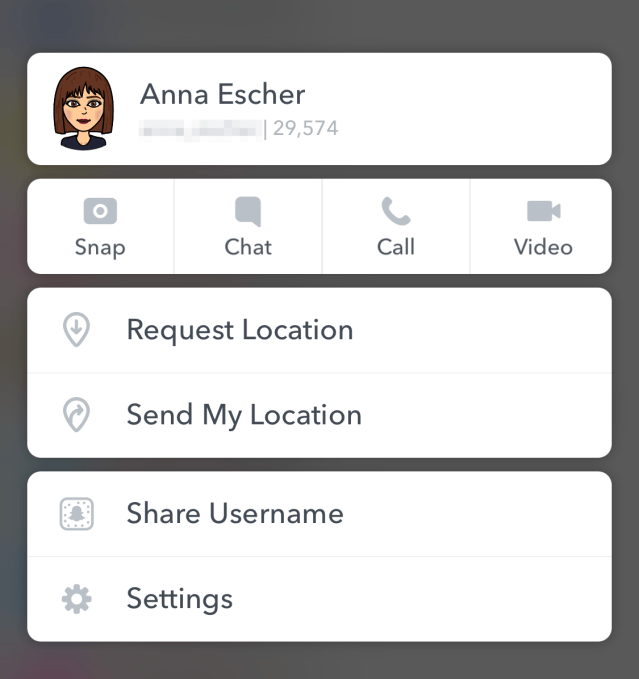
Snapchat launches less creepy Send and Request Location features | TechCrunch - Source: techcrunch.com
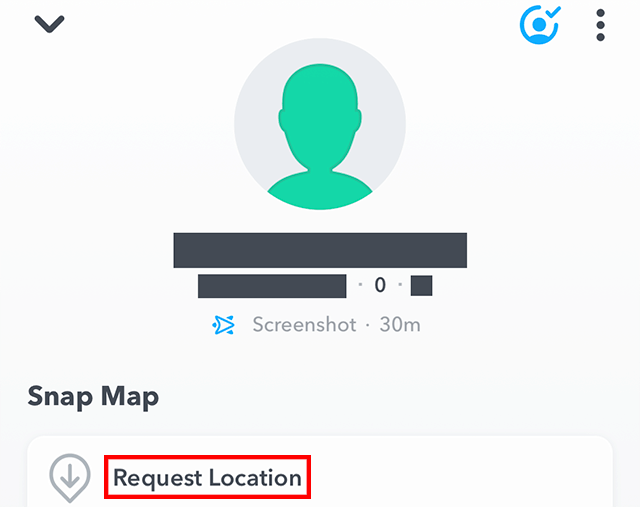
Snapchat: Here's How to Request a Friend's Location - Source: adweek.com
What is position request
What is position request What is location requested on apple watch.
What is location requested on apple watch support.apple.com › guide › iphoneShare your location in Messages on iPhone - Apple Support
What is location requested on apple watch Send a message that ends with the question, "Where are you?" then tap Request Location (above the keyboard). Tap the name of the person whose location you want at the top of the conversation, then tap Request Location. Tap to send your request. What is location request on android.
What is location request on android
What is location request on android What is a location request.
.
What is a location request
What is a location request What is a location request emergency.
.
What is a location request emergency
What is a location request emergency What is a location request.
support.google.com › maps › answerShare your real-time location with others - Android - Google ...
Google Maps. Share your real-time location with others. You can choose who can find your location and how long to share your location with Google Location Sharing. Tip: Other Google, .
support.apple.com › en-us › 105104Share your location with iPhone - Apple Support
Share your location with friends, family members, and other trusted contacts in Find My, Messages, and Maps. You can share your current location once, temporarily share your location while you're on the way to an expected destination, or share your ongoing Live Location. .
.
.
.
.
.
.
allthings.how › how-to-use-imessage-location-appHow to Use iMessage Location App to Send or Receive Location ...
What is the iMessage Location App and How is it Different from Check in Feature? Users can now effortlessly share their own location or request the location of any contact directly from iMessage. .
www.myhealthyapple.com › how-to-share-yourHow to share your location or request someone's location in ...
If requesting someone else's location, Messages immediately sends a location request to that person. The person receiving the request must tap the Share button and choose the length of time they wish to share to allow you to see their current location. What does request location mean.
What does request location mean support.apple.com › en-us › 105122Find people and share your location with Find My - Apple Support
What does request location mean Learn how to use the Find My app to share your location with friends and family members. You can even set up location-based notifications, so that you know if someone left a location or just arrived home, or find a friend's precise location when you're nearby. What is a location based application.
What is a location based application www.solveyourtech.com › how-to-request-location-onHow to Request Location on iPhone: A Step-by-Step Guide
What is a location based application Requesting someone's location on your iPhone is a handy feature that can help you find your friends or family members quickly. This feature utilizes Apple's built-in 'Find My' app, and with a few taps, you can ask someone to share their location with you directly. If you've never done it before, don't worry; it's a snap! What is position request.


Post a Comment