
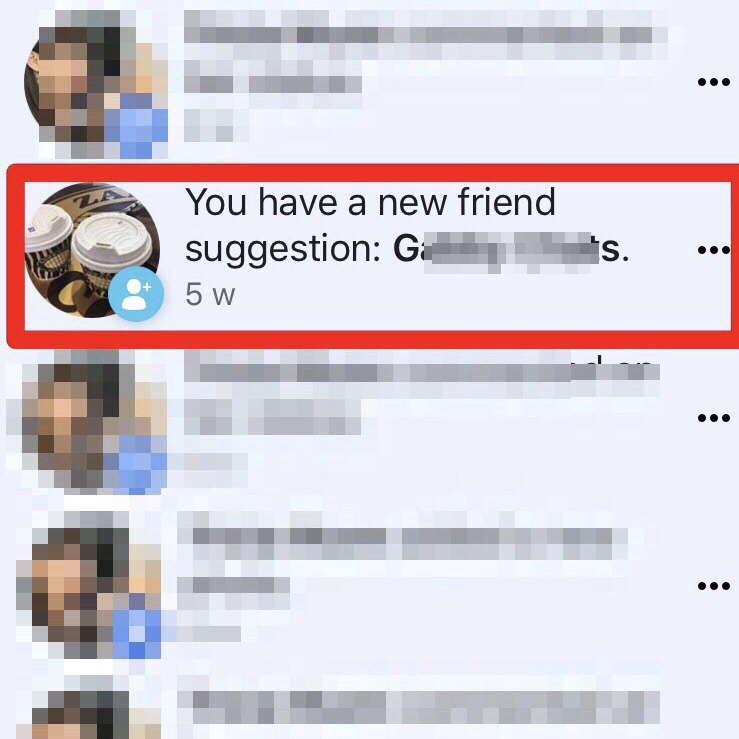
How Facebook suggests friends
Facebook uses a variety of factors to suggest friends to you, including:
- Mutual friends: Facebook will suggest friends to you who have at least one mutual friend with you.
- Profile information: Facebook will also suggest friends to you who share similar profile information with you, such as your current city, school, or work.
- Facebook activity: Facebook will also suggest friends to you based on your Facebook activity, such as the groups you join, the pages you like, and the people you tag in photos and posts.
- Contacts: Facebook may also suggest friends to you based on your contacts list, if you have uploaded it to Facebook.
Why do I get friend suggestions notifications?
You will receive friend suggestions notifications on Facebook when the algorithm has found someone who it thinks you might be interested in connecting with. You may also receive friend suggestions notifications if one of your friends has suggested you to someone else.
Should I accept friend suggestions?
Whether or not to accept a friend suggestion is up to you. If you know the person and want to be friends with them, then you should accept the suggestion. However, if you don't know the person or don't want to be friends with them, then you can decline the suggestion.
How to manage friend suggestions notifications
You can manage your friend suggestions notifications by going to your Settings page and clicking on Notifications. From there, you can choose whether or not to receive notifications for friend suggestions. You can also choose to receive notifications for friend suggestions from specific people or groups of people.
Tips for managing friend suggestions
Here are a few tips for managing friend suggestions on Facebook:
- Review your friend suggestions regularly: Don't just accept or decline friend suggestions without reviewing them first. Take some time to look at the profiles of the people who are suggesting you and decide whether or not you want to be friends with them.
- Be careful about accepting friend suggestions from strangers: If you don't know the person who is suggesting you, be careful about accepting their suggestion. It's always a good idea to do some research on the person before accepting their friend request.
- Use the People You May Know list: Facebook's People You May Know list can be a good way to find potential friends. However, be sure to review the profiles of the people on the list before accepting their friend requests.
- Use the Friends of Friends list: The Friends of Friends list can also be a good way to find potential friends. This list shows you people who are friends with your friends.
- Use the Search feature: You can also use the Search feature on Facebook to find potential friends. Simply enter the person's name or email address into the search bar and Facebook will show you a list of people who match your search criteria.
How to block friend suggestions from specific people
If there are specific people that you don't want to receive friend suggestions from, you can block them. To do this, go to the person's profile and click on the three dots in the top right corner. Then, select Block.
How to turn off friend suggestions notifications
If you don't want to receive any friend suggestions notifications, you can turn them off. To do this, go to your Settings page and click on Notifications. Then, scroll down to the Friend Suggestions section and uncheck the box next to Allow notifications for friend suggestions.
Conclusion
Friend suggestions can be a great way to find new friends on Facebook. However, it's important to be careful about who you accept friend requests from. Be sure to review the profiles of the people who are suggesting you before accepting their friend requests. You can also use the Friends of Friends list and the Search feature to find potential friends. If there are specific people that you don't want to receive friend suggestions from, you can block them. You can also turn off friend suggestions notifications if you don't want to receive them.
## Keyword silo
The following keywords are related to the topic of friend suggestions on Facebook:
- friend suggestions
- people you may know
- friends of friends
- search
- block
- notifications
- accept
- decline
- review
- be careful
WebTo remove a suggested friend: From Friends, click Remove next to their name. From your News Feed, click on the picture of the person you want to remove. Blocking someone. WebLearn how to use Facebook, fix a problem, and get answers to your questions.
Does Facebook Suggest Friends Who Look At Your Profile
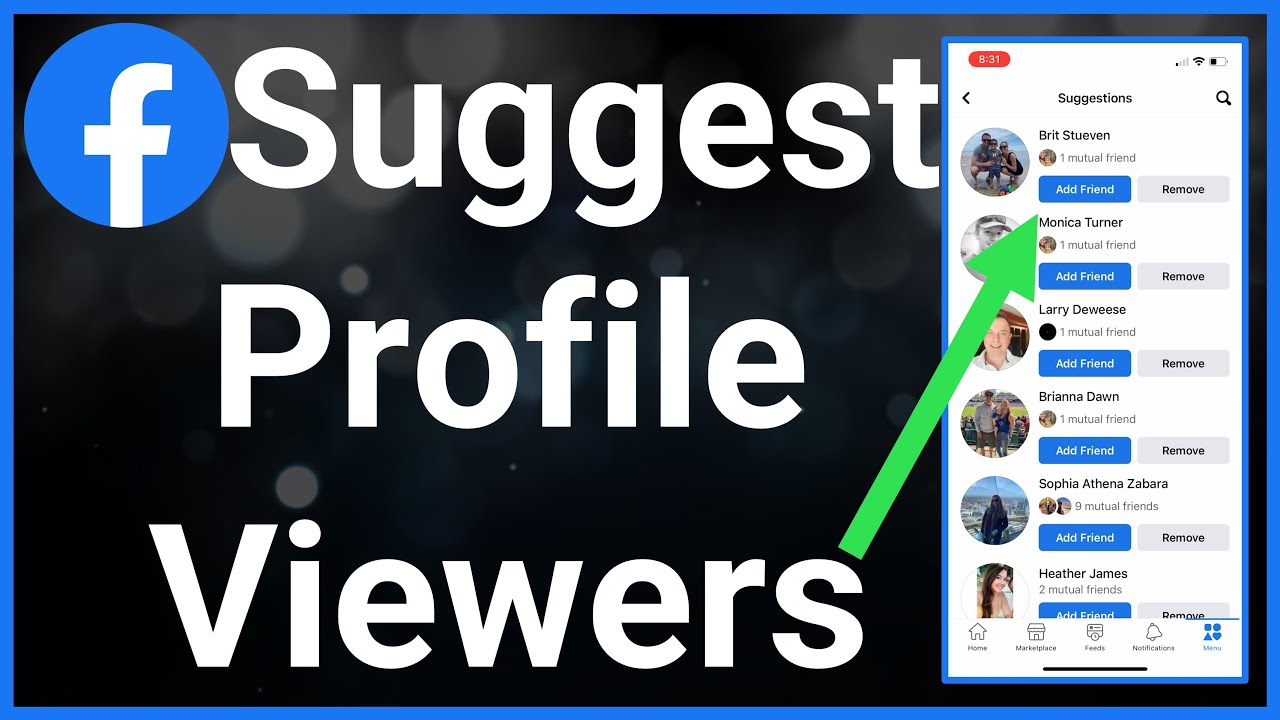
Source: Youtube.com
What does it mean when you get a friend suggestion notification on Facebook

Source: Youtube.com
What Is A Friend Suggestion Notification On Facebook, Does Facebook Suggest Friends Who Look At Your Profile, 2.79 MB, 02:02, 25,030, Trevor Nace, 2022-08-20T14:00:15.000000Z, 2, You Have a New Friend Suggestion… | Eyes Open Social Media, 739 x 739, jpg, , 3, what-is-a-friend-suggestion-notification-on-facebook
What Is A Friend Suggestion Notification On Facebook. WebFriend suggestions come from things like: Having friends in common. Your networks, such as your current city, school or work. Being in the same Facebook group. Being tagged in. WebPeople You May Know suggestions may show you people you might want to add as a friend who you haven't seen on Facebook yet or who may be new to Facebook. People You.
Let's go over Facebook suggesting friends and whether it's related to who viewed your profile or not.
Thanks for your time today.
What Is A Friend Suggestion Notification On Facebook,
You Have a New Friend Suggestion… | Eyes Open Social Media - Source: eyesopensocialmedia.com.au
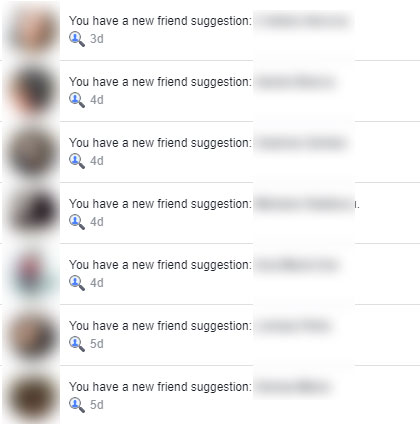
How to Stop New Friend Suggestion Notifications on Facebook in 2022 - Radu.link - Source: radu.link
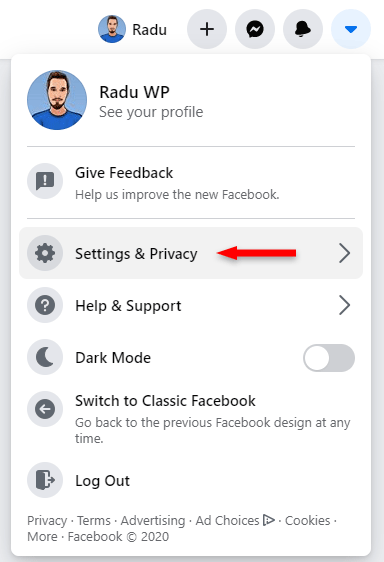
How to Stop New Friend Suggestion Notifications on Facebook in 2022 - Radu.link - Source: radu.link
.
www.knowyourmobile.com › user-guides › how-facebookHow Facebook "Suggested Friends" Actually Works
One of the simplest ways suggested friends might work relates to how you actually interact with Facebook. Here's an example: say you randomly remember someone from school, so you do a Facebook search to see if they have a profile. If you find them and go onto their profile but do not add them, Facebook's algorithm will make a note of this. What does it mean when you get a friend suggestion notification on facebook.
What does it mean when you get a friend suggestion notification on facebook
What does it mean when you get a friend suggestion notification on facebook What does a friend suggestion notification on facebook mean.
.
What does a friend suggestion notification on facebook mean
What does a friend suggestion notification on facebook mean What is a friend suggestion notification on facebook.
.
What is a friend suggestion notification on facebook
What is a friend suggestion notification on facebook What does a friend suggestion notification on facebook mean.
www.mostlyblogging.com › you-have-a-new-friendYou Have a New Friend Suggestion: If You Search Someone on ...
Understanding Facebook's "You Have a New Friend Suggestion" Notification Have you ever received a notification on Facebook saying, "You have a new friend suggestion"? This feature is designed to help you connect with people you might know, making your social networking experience more engaging and personalized. .
.
.
www.wikihow.com › Turn-Off-Facebook-Friend-SuggestionsHow to Disable Friend Suggestions on Facebook: 3 Easy Ways
4. Tap People You May Know. This will be between Friend Requests and Birthdays . 5. Toggle off "Allow Notifications on Facebook". This will stop Facebook from sending you notifications and suggestions regarding potential friends. You may receive a confirmation prompt. Tap Turn off to switch off notifications. Method 3. .
.
.
.
.
www.socialappshq.com › facebook › how-does-fbHow Does Facebook Suggested Friends Actually Work?
Utilizing the "People you may know" feature. The " People you may know " feature on Facebook suggests potential friends. It looks at user activity, preferences, and connections. It also takes targeted ads, phone contacts, profile visits, and interactions into account. Location and work/education info play a role too. .
www.howtogeek.com › 714793 › how-to-disable-friendHow to Disable Friend Suggestions on Facebook - How-To Geek
.
www.facebook.com › help › 1059270337766380How does Facebook use my information to show suggestions in ...
Having friends in common. Your profile information and networks (example: your current city, school or work). Your Facebook activity (example: joining groups or being tagged in the same photo or post). Contacts you or someone you may know uploaded to Facebook or Messenger. .
computerzilla.com › you-have-a-new-friend-suggestionYou Have a New Friend Suggestion [Notification Explained]
Facebook doesn't necessarily send both parties a friend suggestion notification, it is generally asymmetric, so that only one person will receive the suggestion. Another possibility would be that Facebook is using geolocation services and suggesting friends based on the fact that both of you are found in the same places. .


Post a Comment