
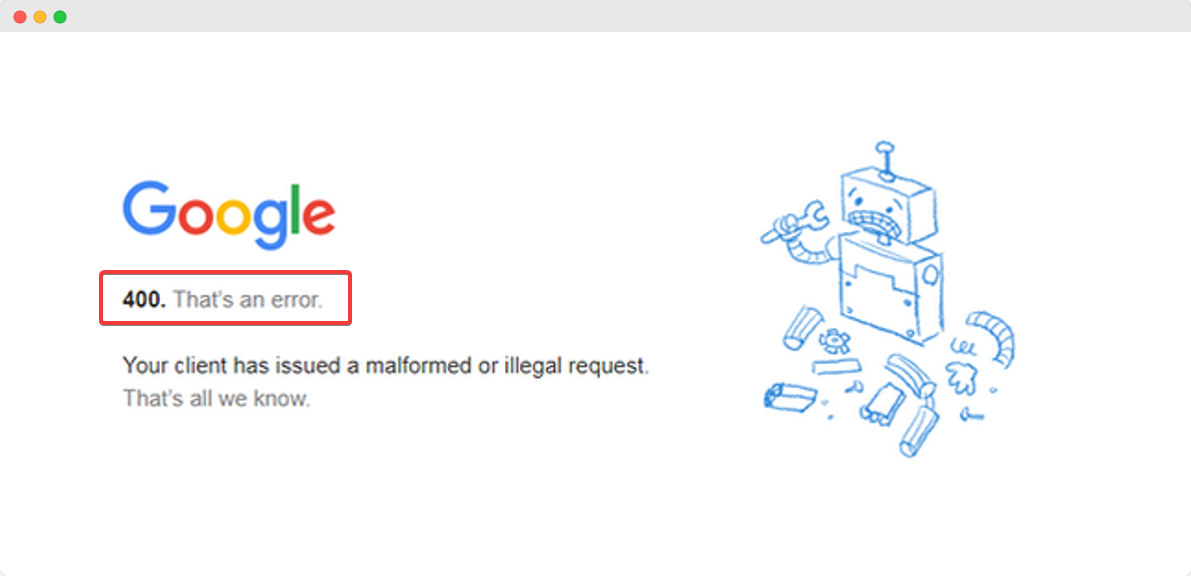
A 400 Bad Request error is a generic client error that occurs when the server cannot or will not process the request due to something that is perceived to be a client error (for example, malformed request syntax, invalid request message framing, or deceptive request routing).
In other words, the server received a request from the client that it could not understand or process. This can be caused by a variety of factors, such as:
- A typo in the URL
- A corrupted or invalid request header
- A file upload that is too large
- A request that is too complex
- A browser extension that is interfering with the request
400 Bad Request errors are relatively common, and they can be frustrating to deal with. However, there are a few things you can do to try to fix the error:
- Reload the page. This may seem simple, but it can sometimes fix minor errors with the request.
- Check the URL. Make sure that you have typed the URL correctly, and that there are no extra spaces or characters.
- Clear your browser cache and cookies. Sometimes, outdated or corrupted cache and cookies can cause problems with requests.
- Disable your browser extensions. If you are using any browser extensions, try disabling them to see if that fixes the error.
- Try a different browser. If you are still having problems, try using a different browser to see if that makes a difference.
If you have tried all of the above and you are still getting a 400 Bad Request error, then the problem is likely on the server side. In this case, you can try contacting the website owner or administrator for help.
Common Causes of 400 Bad Request Errors
Here are some of the most common causes of 400 Bad Request errors:
- Typos in the URL. This is one of the most common causes of 400 Bad Request errors. Make sure that you have typed the URL correctly, and that there are no extra spaces or characters.
- Corrupted or invalid request headers. Request headers are pieces of information that are sent by the client to the server with each request. These headers contain information about the request, such as the type of browser the user is using and the type of content they are requesting. If a request header is corrupted or invalid, the server may not be able to process the request.
- File uploads that are too large. Most web servers have a limit on the size of files that can be uploaded. If you try to upload a file that is too large, you will get a 400 Bad Request error.
- Requests that are too complex. Some web servers have a limit on the complexity of requests that they can process. If you try to make a request that is too complex, you may get a 400 Bad Request error.
- Browser extensions that are interfering with the request. Some browser extensions can interfere with the way that web pages are loaded. If you are using a browser extension that is causing problems, you may get a 400 Bad Request error.
How to Fix 400 Bad Request Errors
Here are some tips on how to fix 400 Bad Request errors:
- Reload the page. This may seem simple, but it can sometimes fix minor errors with the request.
- Check the URL. Make sure that you have typed the URL correctly, and that there are no extra spaces or characters.
- Clear your browser cache and cookies. Sometimes, outdated or corrupted cache and cookies can cause problems with requests.
- Disable your browser extensions. If you are using any browser extensions, try disabling them to see if that fixes the error.
- Try a different browser. If you are still having problems, try using a different browser to see if that makes a difference.
If you have tried all of the above and you are still getting a 400 Bad Request error, then the problem is likely on the server side. In this case, you can try contacting the website owner or administrator for help.
Troubleshooting 400 Bad Request Errors
If you are getting a 400 Bad Request error, there are a few things you can do to try to troubleshoot the problem:
- Check the server logs. The server logs may contain information about the error, such as the specific cause of the error and the steps you can take to fix it.
- Use a web development tool. A web development tool, such as Chrome DevTools or Firebug, can be used to inspect the HTTP request and response headers. This can help you to identify the
WebThe 400 Bad Request Error is an HTTP response status code indicating that the server was unable to process the request sent by the client due to invalid. WebThe HyperText Transfer Protocol (HTTP) 400 Bad Request response status code indicates that the server cannot or will not process the request due to something. WebProblem. When you attempt to access a website, you may sometimes instead receive a "Bad Request" error message where the website content should have loaded.. WebIf the request payload contains a byte-sequence that could not be parsed as application/json (if the server expects that dataformat), the appropriate status code is.
Error 400 Bad request, Error 400 fixed, How to fix error 400
Source: Youtube.com
How to Fix a 400 Bad Request Error

Source: Youtube.com
What Is A Bad Request Error, Error 400 Bad request, Error 400 fixed, How to fix error 400, 2.13 MB, 01:33, 79,957, How it's Done, 2022-01-17T13:12:45.000000Z, 2, How To Fix 400 Bad Request Error - WPDeveloper, 576 x 1191, jpg, , 3, what-is-a-bad-request-error
What Is A Bad Request Error.
HTTP Error 400 sorted
Do not Forget to support my channel by Subscribing and Liking the Video
What Is A Bad Request Error, WebProblem. When you attempt to access a website, you may sometimes instead receive a "Bad Request" error message where the website content should have loaded.. WebIf the request payload contains a byte-sequence that could not be parsed as application/json (if the server expects that dataformat), the appropriate status code is.
How To Fix 400 Bad Request Error - WPDeveloper - Source: wpdeveloper.com
What is a Bad Request Error 400 and How Do You Fix It? - GreenGeeks - Source: greengeeks.com
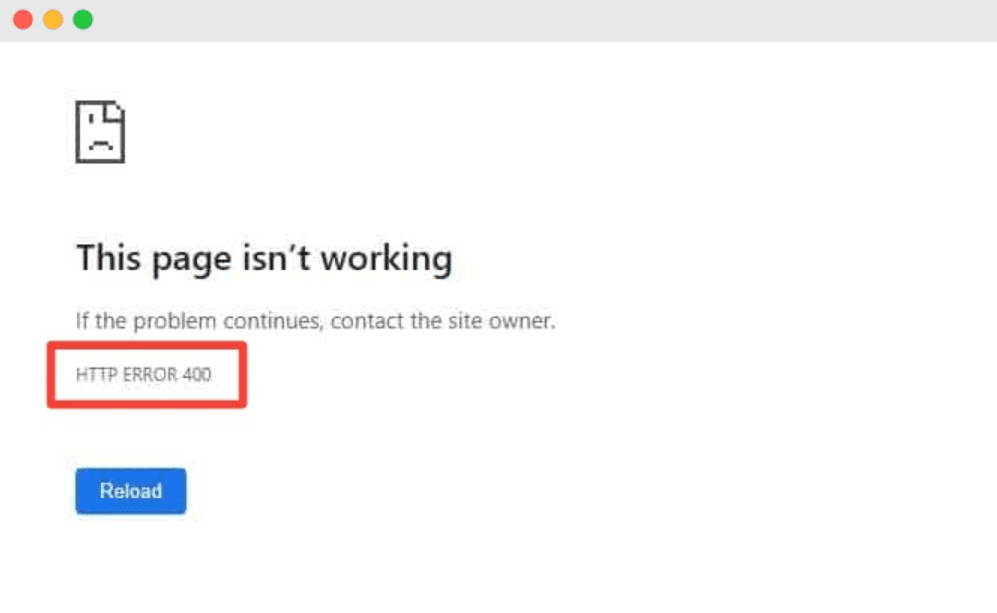
How to fix 400 Bad Request Error in Wordpress - Source: prontomarketing.com
What does bad request error 400 mean www.howtogeek.com › 359267 › what-is-a-400-badWhat is a 400 Bad Request Error (and How Can I Fix It)?WindowsCookieWhat Is Dns, and Should I Use Another DNS Server
What does bad request error 400 mean Bad request. The request could not be understood by the server due to malformed syntax. The client should not repeat the request without modifications Bad Request - Invalid URL Bad Request.Have you ever gotten DNS errors while trying to browse the,Cookie - What is a 400 Bad Request Error (and How Can I Fix...Computers cache DNS responses locally, so the DNS request... What causes a bad request error.
What causes a bad request error
What causes a bad request error What is a bad request error 400.
What is a bad request error 400
What is a bad request error 400 What is a bad request error message.
.
What is a bad request error message
What is a bad request error message What is a bad request error.
.
What is a bad request error
What is a bad request error What is a bad request error message.
wpastra.com › fix-400-bad-request-errorHow to Fix 400 Bad Request Error: Causes & 9 Solutions (Fast ...
7. Clear Your DNS Cache. DNS, Domain Name System, is what links URLs to the IP addresses of the server hosting the website. If there is a mismatch between what your computer holds in its DNS cache and the actual web server, it can cause HTTP 400 errors. Any corruption in the DNS cache can also cause these errors. .
www.semrush.com › blog › 400-bad-request400 Bad Request: What It Is & How to Fix It - Semrush
Deselect " Browsing history " and " Cached images and files " and then click " Clear data .". Check out the articles below to clear cookie data for different browsers: After clearing cookies, revisit any pages giving 400 bad request errors to generate new valid cookie files. 4. .
.
.
.
blog.airbrake.io › blog › http-errors400 Bad Request Error: What It Is and How to Fix It - Airbrake
The 400 Bad Request Error is an HTTP response status code indicating that the server was unable to process the request sent by the client due to invalid syntax. As , .
.
.
www.dreamhost.com › blog › 400-bad-request-errorHow to Fix the 400 Bad Request Error (6 Methods) - DreamHost
.
www.lifewire.com › how-to-fix-a-400-bad-requestHow to Fix the 400 Bad Request Error - Lifewire
This is most likely the problem. Specifically, check for extra, typically non-allowed, characters in the URL like a percentage character. While there are perfectly valid uses for something like a % character, you won't often find one in a standard URL. What does bad request error mean.
What does bad request error mean kinsta.com › knowledgebase › 400-bad-requestHow to Fix a 400 Bad Request Error (6 Simple Methods) - Kinsta
What does bad request error mean How do i fix a bad request error.
How do i fix a bad request error
How do i fix a bad request error What does bad request error 400 mean.


Post a Comment