
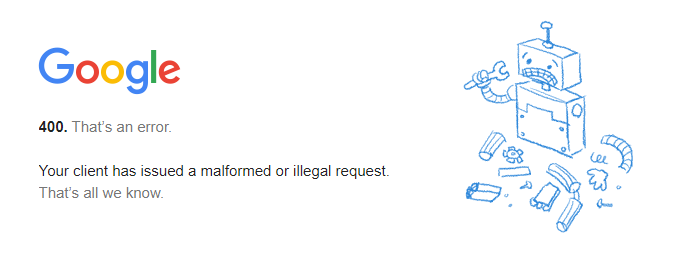
A 400 Bad Request error is an HTTP status code that indicates that the server cannot or will not process the request due to something that is perceived to be a client error (for example, malformed request syntax, invalid request message framing, or deceptive request routing).
Causes of 400 Bad Request Errors
There are many possible causes of 400 Bad Request errors, including:
- Malformed request syntax: This means that the request is not formatted correctly according to the HTTP protocol. This can be caused by typos, incorrect punctuation, or missing required fields.
- Invalid request message framing: This means that the request is not structured correctly. This can be caused by missing headers, invalid header values, or incorrect body content.
- Deceptive request routing: This means that the request is trying to access a resource in a way that is not allowed. For example, the request may be trying to access a file that does not exist or a directory that is not accessible to the user.
- Invalid request content: This means that the content of the request is not valid. For example, the request may be trying to upload a file that is too large or a file that is in a format that is not supported by the server.
- Invalid request method: This means that the request is using an HTTP method that is not supported by the server. For example, the request may be trying to use the
POSTmethod to access a resource that is only accessible using theGETmethod.
How to Fix 400 Bad Request Errors
There are a few things you can try to fix a 400 Bad Request error:
- Check the request syntax: Make sure that the request is formatted correctly according to the HTTP protocol. Pay attention to any required fields and make sure that all of the values are valid.
- Check the request message framing: Make sure that the request is structured correctly. Make sure that all of the required headers are present and that the header values are valid.
- Check the request content: Make sure that the content of the request is valid. For example, make sure that the file you are trying to upload is not too large and that it is in a format that is supported by the server.
- Check the request method: Make sure that the request is using an HTTP method that is supported by the server.
If you have checked all of the above and you are still getting a 400 Bad Request error, then the problem may be with the server. In this case, you will need to contact the website administrator or the API provider for assistance.
Examples of 400 Bad Request Errors
Here are a few examples of common 400 Bad Request errors:
- 400 Bad Request: The request syntax is invalid.
- 400 Bad Request: The request message framing is invalid.
- 400 Bad Request: The request content is invalid.
- 400 Bad Request: The request method is not supported.
- 400 Bad Request: The request is too large.
- 400 Bad Request: The request URI is too long.
- 400 Bad Request: The request header or cookie is too large.
How to Prevent 400 Bad Request Errors
There are a few things you can do to prevent 400 Bad Request errors:
- Use a well-tested HTTP client library. This will help to ensure that your requests are formatted correctly and that they include all of the required fields.
- Validate your request data before sending it to the server. This will help to identify any potential errors in the data before the server tries to process it.
- Use the correct HTTP method for the request. For example, use the
POSTmethod to create a new resource and theGETmethod to retrieve an existing resource. - Be aware of the server's limitations. For example, the server may have a limit on the size of the requests or the files that can be uploaded.
Troubleshooting 400 Bad Request Errors
If you are getting a 400 Bad Request error, the first thing you should do is check the error message carefully. The error message may provide you with some information about the cause of the error.
If you are unable to identify the cause of the error, you can try the following troubleshooting steps:
- Check the request syntax. Make sure that the request is formatted correctly according to the
WebDiagnosing a 400 Bad Request Error. A 400 Bad Request Error indicates that the server (remote computer) is unable (or refuses) to process the request sent by the. WebThe HyperText Transfer Protocol (HTTP) 400 Bad Request response status code indicates that the server cannot or will not process the request due to something.
Error 400 Bad request, Error 400 fixed, How to fix error 400
Source: Youtube.com
How to Fix a 400 Bad Request Error

Source: Youtube.com
What Is A Bad Request Error 400, Error 400 Bad request, Error 400 fixed, How to fix error 400, 2.13 MB, 01:33, 79,957, How it's Done, 2022-01-17T13:12:45.000000Z, 2, 400 Bad Request Error - 8 Simple Methods to Fix It, 270 x 685, jpg, , 3, what-is-a-bad-request-error-400
What Is A Bad Request Error 400.
HTTP Error 400 sorted
Do not Forget to support my channel by Subscribing and Liking the Video
What Is A Bad Request Error 400, WebThe HyperText Transfer Protocol (HTTP) 400 Bad Request response status code indicates that the server cannot or will not process the request due to something.
400 Bad Request Error - 8 Simple Methods to Fix It - Source: hostinger.in
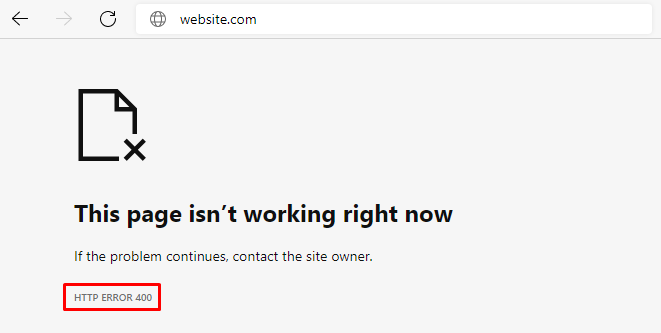
400 Bad Request Error - 8 Simple Methods to Fix It - Source: hostinger.in
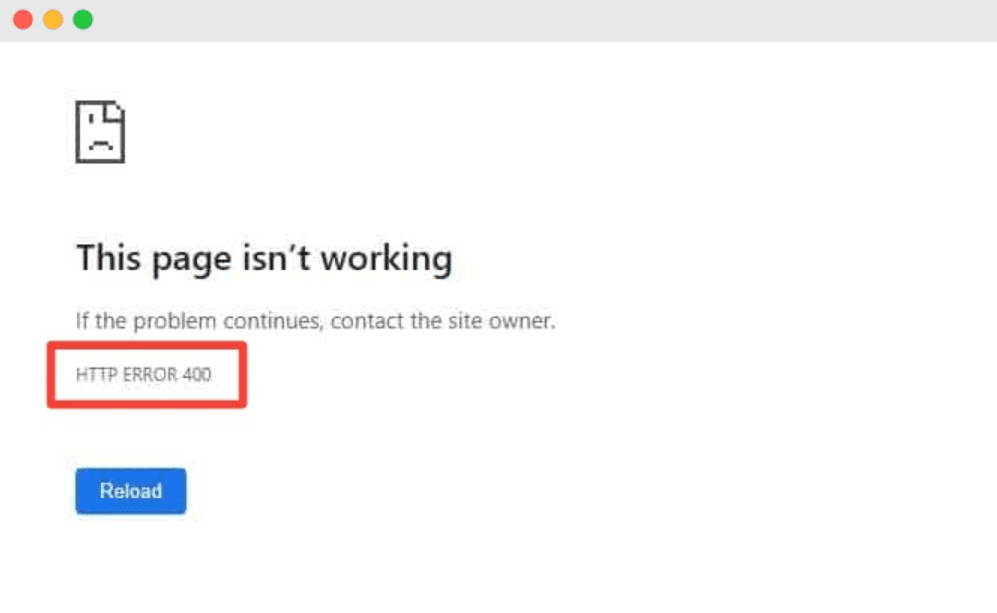
How to fix 400 Bad Request Error in Wordpress - Source: prontomarketing.com
400 bad request error message
400 bad request error message How do i get rid of error 400 bad request.
How do i get rid of error 400 bad request
How do i get rid of error 400 bad request Why we get bad request error 400.
Why we get bad request error 400
Why we get bad request error 400 What does bad request error 400 mean.
.
What does bad request error 400 mean
What does bad request error 400 mean What is a bad request error 400.
.
What is a bad request error 400
What is a bad request error 400 What does bad request error 400 mean.
www.greengeeks.com › tutorials › bad-request-error-400What is a Bad Request Error 400 and How Do You Fix It?
.
wpastra.com › fix-400-bad-request-errorHow to Fix 400 Bad Request Error: Causes & 9 Solutions (Fast ...
7. Clear Your DNS Cache. DNS, Domain Name System, is what links URLs to the IP addresses of the server hosting the website. If there is a mismatch between what your computer holds in its DNS cache and the actual web server, it can cause HTTP 400 errors. Any corruption in the DNS cache can also cause these errors. .
.
.
.
blog.airbrake.io › blog › http-errors400 Bad Request Error: What It Is and How to Fix It - Airbrake
The 400 Bad Request Error is an HTTP response status code indicating that the server was unable to process the request sent by the client due to invalid syntax. As , .
.
.
www.semrush.com › blog › 400-bad-request400 Bad Request: What It Is & How to Fix It - Semrush
.
www.lifewire.com › how-to-fix-a-400-bad-requestHow to Fix the 400 Bad Request Error - Lifewire
This is most likely the problem. Specifically, check for extra, typically non-allowed, characters in the URL like a percentage character. While there are perfectly valid uses for something like a % character, you won't often find one in a standard URL. .
www.howtogeek.com › 359267 › what-is-a-400-badWhat is a 400 Bad Request Error (and How Can I Fix It)?
Bad request. The request could not be understood by the server due to malformed syntax. The client should not repeat the request without modifications Bad Request - Invalid URL Bad Request. .
kinsta.com › knowledgebase › 400-bad-requestHow to Fix a 400 Bad Request Error (6 Simple Methods) - KinstaHow to Flush DNS CacheHow to Clear Cache for All Major Browsers
This will depend on the type of file you're trying to upload, but there are plenty of resources available online that can help compress large images, video, and audio files. 5. Clear DNS Cache. Another common cause of a 400 Bad Request is when local DNS lookup data becomes either corrupted or out-of-date.Clearing your DNS cache is also the solution for fixing the,Clearing the browser cache is also the solution for the... 400 bad request error message.


Post a Comment