
What Is The Text Editor In Linux
Introduction
A text editor is a computer program that allows users to create and edit text files. Text editors are essential tools for a variety of tasks, including writing code, creating documents, and editing configuration files.
Linux is a Unix-like operating system that is known for its flexibility and power. Linux systems come with a variety of pre-installed text editors, including Vim, Nano, and gedit.
A command-line text editor is a text editor that is accessed and controlled through the terminal. Command-line text editors are often more powerful and flexible than graphical text editors, but they can be more difficult to learn to use.
Popular command-line text editors in Linux
Two of the most popular command-line text editors in Linux are Vim and Nano.
- Vim: Vim is a powerful and versatile text editor that is known for its modal editing system. Vim can be used to edit a wide variety of file types, including code, configuration files, and documents.
- Nano: Nano is a simpler and easier-to-use text editor than Vim. Nano is a good choice for users who are new to command-line text editors.
A graphical text editor is a text editor that is accessed and controlled through a graphical user interface (GUI). Graphical text editors are often easier to use than command-line text editors, but they may not be as powerful or flexible.
Popular graphical text editors in Linux
Two of the most popular graphical text editors in Linux are gedit and Kate.
- gedit: gedit is the default text editor for the GNOME desktop environment. gedit is a simple and easy-to-use text editor that is suitable for a variety of tasks.
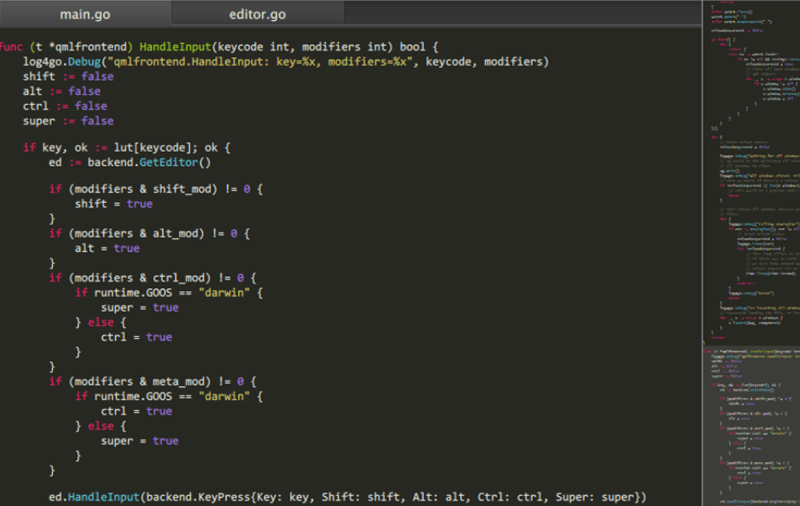
- Kate: Kate is a powerful and versatile text editor that is known for its advanced features, such as syntax highlighting and code completion. Kate is a good choice for users who need a powerful text editor for writing code or editing configuration files.
How to choose a text editor for Linux
The best text editor for you will depend on your individual needs and preferences. If you are a new user, I recommend starting with a graphical text editor, such as gedit or Kate. Once you have become more comfortable with using a text editor, you may want to try a command-line text editor, such as Vim or Nano.
Tips for using Linux text editors
Here are a few tips for using text editors in Linux:
- Learn the keyboard shortcuts: Text editors have a variety of keyboard shortcuts that can help you to edit text more efficiently. Learn the keyboard shortcuts for the most common tasks, such as saving a file, copying text, and undoing a change.
- Use syntax highlighting: Syntax highlighting is a feature that colors text differently depending on its syntax. This can be helpful for identifying errors in code or for quickly understanding the structure of a document.
- Use version control: Version control is a system for tracking changes to files. If you are working on an important project, I recommend using version control to track your changes. This will allow you to easily revert to a previous version of a file if you make a mistake.
Conclusion
Text editors are essential tools for Linux users. There are a variety of text editors available, so you can choose the one that best meets your needs.
Here are some additional tips for choosing a text editor:
- Consider your experience level. If you are new to Linux, you may want to start with a simpler text editor, such as gedit or Nano. Once you have become more comfortable with using a text editor, you can try a more powerful text editor, such as Vim or Emacs.
- Consider the types of files you will be editing. If you will be editing code, you may want to choose a text editor with features such as syntax highlighting and code completion. If you will be editing documents, you may want to choose a text editor with features such as spell checking and grammar checking.
- Consider your personal preferences. Some users prefer command-line text editors, while others prefer graphical text editors. Some users prefer text editors with a lot of features, while others prefer simpler text editors. Try out a few different text editors to find the one that you like best.
Here are some additional tips for using Linux text editors:
- Learn the keyboard shortcuts. Text editors have a variety of keyboard shortcuts that can help you to edit text more efficiently. Learn the keyboard shortcuts for the most common tasks, such as saving a file, copying text, and undoing a change.
- Use the command line. Even if you are using a graphical text editor, you may find it helpful to use the command line for some tasks, such as searching for text or opening a file in a specific directory.
- Use plugins and extensions. Many text editors support
WebLinux has the capability to accommodate multiple text editors, which are of two types: command-line text editors like Vim, nano, pico, and others, and GUI text. WebNot just the best linux text editor. The best editor all round. I'd even argue Vim is an IDE: integrated debugging, code completion, searching, cross-file refactoring, lint checks, you. WebThere are two command-line text editors in Linux®: vim and nano.You can use one of these two available options should you ever need to write a script, edit a configuration file,.
22 Best Linux Text Editors For Coding {2023 Reviews}
Source: phoenixnap.com
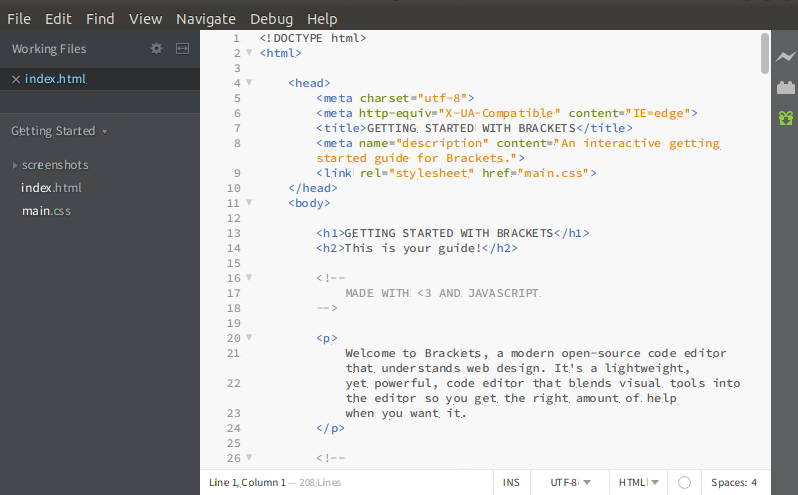
Linux Text Editors - javatpoint
Source: javatpoint.com
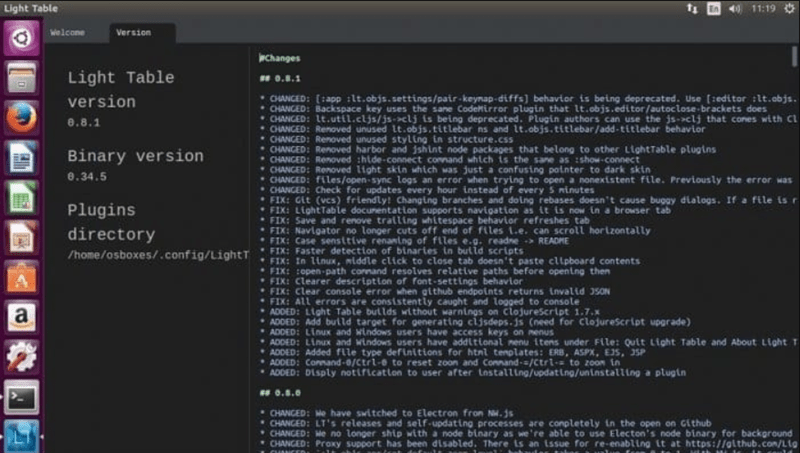
22 Best Linux Text Editors For Coding {2023 Reviews}
Source: phoenixnap.com
What Is The Text Editor In Linux, Linux Basics: How to use vi text editor, 3.98 MB, 02:54, 17,332, webpwnized, 2021-03-10T01:20:25.000000Z, 2, 22 Best Linux Text Editors For Coding 2023 Reviews, phoenixnap.com, 506 x 800, jpg, , 3, what-is-the-text-editor-in-linux
What Is The Text Editor In Linux.
Twitter: @webpwnized
Thank you for watching. Please upvote and subscribe.
22 Best Linux Text Editors For Coding {2023 Reviews}
What Is The Text Editor In Linux, WebNot just the best linux text editor. The best editor all round. I'd even argue Vim is an IDE: integrated debugging, code completion, searching, cross-file refactoring, lint checks, you. WebThere are two command-line text editors in Linux®: vim and nano.You can use one of these two available options should you ever need to write a script, edit a configuration file,.
Linux Basics: How to use vi text editor

Source: Youtube.com
Vim: The Most Important Text Editor On Linux

Source: Youtube.com
.
.
Which text editor is best for linux.
.
Which text editor is best for linux
Which text editor is best for linux What is the text editor in linux.
.
What is the text editor in linux
What is the text editor in linux Which text editor is best for linux.
itsfoss.com › command-line-text-editors-linux9 Best Text Editors for the Linux Command Line - It's FOSS
.
.
.
.
.
.
.
.
.
phoenixnap.com › kb › best-linux22 Best Linux Text Editors For Coding {2023 Reviews} - phoenixNAP
.
www.redhat.com › sysadmin › beginners-guide-vimLinux basics: A beginner's guide to text editing with vim
.
linuxsimply.com › linux-basics › text-editorsLinux Text Editors - LinuxSimply
1. Vi Vi is a renowned text editor with a rich history in Linux and Unix environments. It is known for its simplicity and powerful command-line interface. Indeed, Vi is a go-to tool for developers and system administrators. Key Features of Vi Text Editor Modal Editing: Unique modes for efficient navigation and content manipulation. .


Post a Comment