

What Are Captions Text Features?
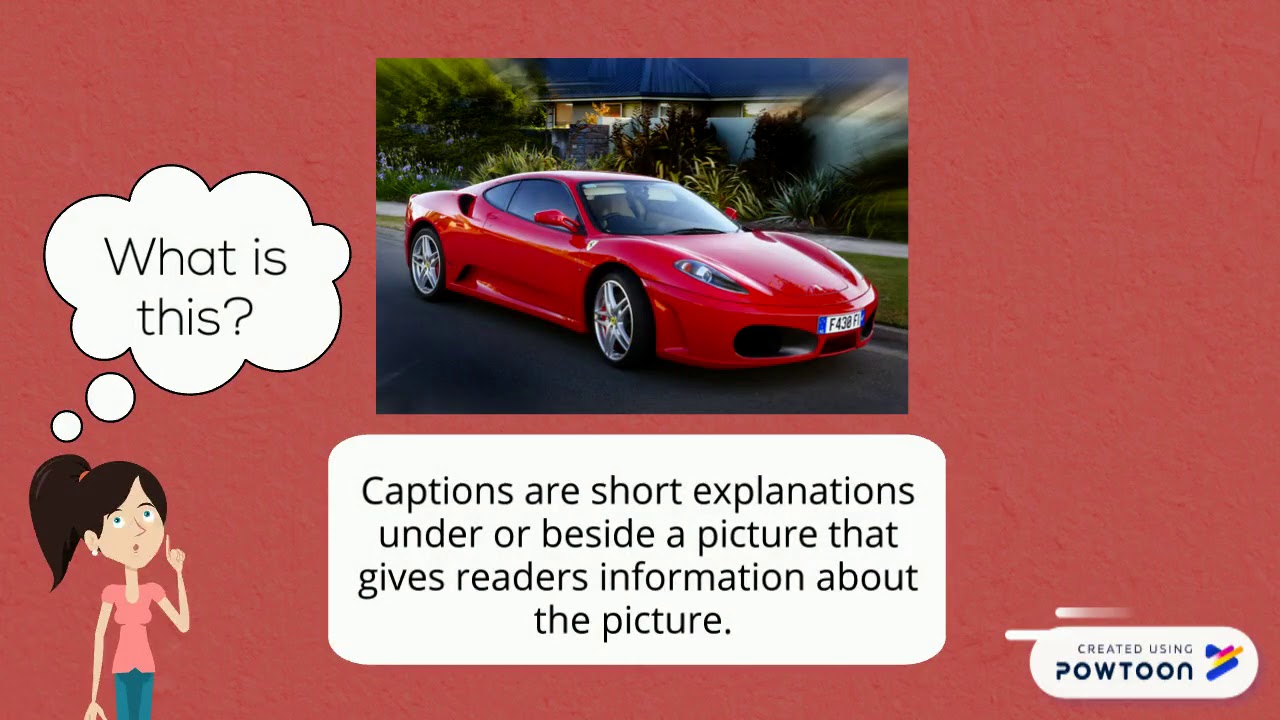
Captions are short descriptive texts that are placed below or next to illustrations, photographs, and other visual elements in a nonfiction text. They provide additional information about the visual element and help the reader to understand its significance.
Captions are an important type of text feature because they can help readers to:
- Identify the main subject of the visual element
- Understand the context of the visual element
- Learn more about the details of the visual element
- Make connections between the visual element and the text
- Develop their visual literacy skills
Captions are often written in a clear and concise style, and they may include the following types of information:
- A brief description of the visual element
- The names of people, places, or things depicted in the visual element
- Important dates, times, or locations
- A brief explanation of the significance of the visual element
- A question or prompt to encourage readers to think critically about the visual element
Examples of Captions
Here are a few examples of captions from nonfiction texts:
Photograph:
- A photograph of a group of students working on a science experiment with the caption: "Students in the 7th grade science class investigate the effects of different fertilizers on plant growth."
Illustration:
- An illustration of the parts of a human heart with the caption: "The human heart is made up of four chambers: the right atrium, the right ventricle, the left atrium, and the left ventricle."
Diagram:
- A diagram of the water cycle with the caption: "The water cycle is the continuous movement of water on, above, and below the surface of the Earth."
Chart:
- A chart showing the population of the world by country with the caption: "China is the most populous country in the world, with over 1.4 billion people."
Graph:
- A graph showing the average temperature in New York City over the past 100 years with the caption: "The average temperature in New York City has increased by about 2 degrees Fahrenheit over the past 100 years."
How to Use Captions Effectively
When writing captions, it is important to keep the following tips in mind:
- Be clear and concise. Captions should be easy to read and understand.
- Be accurate. Captions should provide accurate information about the visual element.
- Be relevant. Captions should be relevant to the visual element and the surrounding text.
- Be engaging. Captions should be interesting and informative.
- Be appropriate for the audience. Captions should be written at a level that is appropriate for the readers of the text.
Captions can be a valuable tool for helping readers to understand and appreciate nonfiction texts. By using captions effectively, writers can help their readers to learn more about the world around them and develop their critical thinking skills.
How to Find Captions in Nonfiction Texts
Captions are often found below or next to illustrations, photographs, and other visual elements in nonfiction texts. They may also be found in the margins of the text or in a separate caption section.
To find captions in a nonfiction text, try the following:
- Look below or next to any illustrations, photographs, or other visual elements.
- Scan the margins of the text for captions.
- Check for a separate caption section in the back of the text.
If you are still having trouble finding captions in a nonfiction text, try asking a librarian or teacher for help.
Benefits of Using Captions
There are many benefits to using captions in nonfiction texts. Captions can help readers to:
- Identify the main subject of the visual element
- Understand the context of the visual element
- Learn more about the details of the visual element
- Make connections between the visual element and the text
- Develop their visual literacy skills
Captions can also be helpful for readers who have difficulty reading or understanding text. Captions can provide a visual representation of the text, which can make it easier for readers to understand the information.
How to Write Effective Captions
When writing captions, it is important to keep the following tips in mind:
- Be clear and concise. Captions should be easy to read and understand.
- Be accurate. Captions should provide accurate information about the visual element.
- Be relevant. Captions should be relevant to the visual element and the surrounding text.
- Be engaging. Captions should be interesting and informative.
- Be appropriate for the audience. Captions should be written at a level that is appropriate for the readers of the text.
Here are some additional tips for writing effective captions:
- Use strong verbs. Captions should be active, not passive.
- Avoid jargon and technical terms. Captions should be written in a
WebLearn about the text feature captions. WebIn general, captions are text tracks that are used for closed captioning that enables viewers who need accessibility features in a video player to understand what. WebThe most common text features of a book include the table of contents, the index, headings, captions, bold words, illustrations, photographs, the glossary, labels,. Web5. Read through the transcript in full. Divide up the text so each speaker's speech is on a new line for transcripts, and into single lines of text for captions. 6..
Text Features: Captions - YouTube
Source: m.youtube.com
Text Features - Mrs. Bogden'sLanguage Arts Page

Source: Mrs. Bogden's Language Arts Page
Teaching to Inspire: April 2013

Source: Teaching to Inspire
What Are Captions Text Features, Non Fiction Text Features: Captions, 2.06 MB, 01:30, 30,140, Mrs.C, 2020-05-05T23:30:40.000000Z, 2, Text Features: Captions - YouTube, m.youtube.com, 360 x 480, jpg, , 3, what-are-captions-text-features
What Are Captions Text Features. WebText features are parts of a text that aren't in the main story or body of text. They're most common in nonfiction texts and help readers find information quickly.
-- Created using Powtoon -- Free sign up at powtoon.com/youtube/ -- Create animated videos and animated presentations for free. PowToon is a free tool that allows you to develop cool animated clips and animated presentations for your website, office meeting, sales pitch, nonprofit fundraiser, product launch, video resume, or anything else you could use an animated explainer video. PowToon's animation templates help you create animated presentations and animated explainer videos from scratch. Anyone can produce awesome animations quickly with PowToon, without the cost or hassle other professional animation services require.
Text Features: Captions - YouTube
What Are Captions Text Features, WebThe most common text features of a book include the table of contents, the index, headings, captions, bold words, illustrations, photographs, the glossary, labels,. Web5. Read through the transcript in full. Divide up the text so each speaker's speech is on a new line for transcripts, and into single lines of text for captions. 6..

What are 10 text features.
What are 10 text features
What are 10 text features Are quotes text features.
Are quotes text features
Are quotes text features What are five text features.
.
What are five text features
What are five text features What are captions text features.
.
What are captions text features
What are captions text features What are five text features.
www.readingrockets.org › teaching-text-featuresTeaching Text Features | Reading Rockets
.
.
.
.
.
.
.
.
www.fractuslearning.com › what-are-text-featuresWhat Are Text Features? Here Are Some Text Feature Examples
Captions Are Text Features. Captions text features explain the graphic, picture, map, or diagram. Placed close to or inside the graphic, students understand which graphics the captions belong to. Glossary Text Features. A glossary is a common text feature that helps students understand the meaning of difficult words. .
gradebees.com › blog › what-are-text-featuresText Features: Definition, Examples, and how to use them
.
atutor.ca › text-featuresWhat Are Text Features? The 6 Most Common Text Features
.
www.weareteachers.com › text-featuresWhat Are Text Features? Examples and a Teaching Guide
The table of contents, a photo caption, and a glossary can all be helpful for readers as they make meaning, especially in nonfiction text. Text features should make reading easier, but students do need instruction in how to use text features and practice using them. .


Post a Comment