

IPTV, or Internet Protocol Television, is a way to watch live TV over the internet. Instead of receiving TV signals through a cable or satellite dish, IPTV streams TV channels directly to your device over the internet.
Mac IPTV is simply IPTV that is watched on a Mac computer. To watch Mac IPTV, you will need to install an IPTV player app on your Mac. There are many different IPTV player apps available, both free and paid.
Once you have installed an IPTV player app, you will need to obtain an IPTV playlist. IPTV playlists are lists of TV channels that can be streamed through an IPTV player app. IPTV playlists can be obtained from a variety of sources, including IPTV service providers, online forums, and social media.
Once you have an IPTV playlist, you can simply open it in your IPTV player app to start watching TV. Most IPTV player apps will allow you to organize your channels into groups, add favorites, and even record shows to watch later.
Here are some of the benefits of using Mac IPTV:
- Convenience: Mac IPTV is very convenient, as it allows you to watch live TV on your Mac computer without having to subscribe to a cable or satellite TV service.
- Variety: There are a wide variety of IPTV playlists available, so you can find channels that offer the type of programming that you are interested in.
- Affordability: IPTV is generally more affordable than cable or satellite TV service.
However, there are also some potential drawbacks to using Mac IPTV:
- Quality: The quality of IPTV streams can vary depending on the source of the playlist and the speed of your internet connection.
- Legality: Some IPTV playlists may include channels that are not licensed to be streamed online. It is important to do your research before using an IPTV playlist to ensure that it is legal.
Overall, Mac IPTV is a convenient and affordable way to watch live TV on your Mac computer. However, it is important to be aware of the potential drawbacks before using IPTV.
How to Set Up Mac IPTV
To set up Mac IPTV, you will need to:
Install an IPTV player app. There are many different IPTV player apps available, both free and paid. Some popular IPTV player apps for Mac include:
- GSE SMART IPTV PRO
- IPTV Player
- VLC Media Player
Obtain an IPTV playlist. IPTV playlists can be obtained from a variety of sources, including IPTV service providers, online forums, and social media.
Open the IPTV playlist in your IPTV player app. Most IPTV player apps will allow you to open an IPTV playlist by clicking on the "File" menu and selecting "Open File".
Start watching TV! Once you have opened the IPTV playlist in your IPTV player app, you can simply start watching TV by selecting the channel that you want to watch.
Tips for Using Mac IPTV
Here are some tips for using Mac IPTV:
- Use a wired internet connection. A wired internet connection will generally provide a more stable and faster connection than a wireless internet connection, which is important for streaming high-quality video.
- Close any unnecessary programs. Closing any unnecessary programs on your Mac will free up resources and help to improve the performance of your IPTV player app.
- Update your IPTV player app regularly. IPTV player app developers regularly release updates that include new features and bug fixes. It is important to update your IPTV player app regularly to ensure that you are getting the best possible experience.
- Use a VPN. A VPN can help to protect your privacy and security when using IPTV. A VPN can also help to improve the performance of IPTV by bypassing ISP throttling.
Troubleshooting Mac IPTV
If you are having problems with Mac IPTV, here are some troubleshooting tips:
- Check your internet connection. Make sure that you have a strong and stable internet connection.
- Restart your Mac and your IPTV player app. This can often fix minor problems.
- Update your IPTV player app. Make sure that you are using the latest version of your IPTV player app.
- Try a different IPTV playlist. It is possible that the IPTV playlist that you are using is not working properly. Try using a different IPTV playlist to see if that fixes the problem.
- Use a VPN. A VPN can help to improve the performance of IPTV by bypassing ISP throttling.
If you are still having problems with Mac IPTV after trying
WebOne of the first options that we can take into account if we have a Mac at home is the IPTV Smarters Pro application. In addition to being available for this. WebRead reviews, compare customer ratings, see screenshots, and learn more about Mega IPTV – m3u Player. Download Mega IPTV – m3u Player for macOS 10.13 or later and.
Mac Extreme – Aplikasi di Google Play
Source: Google Play
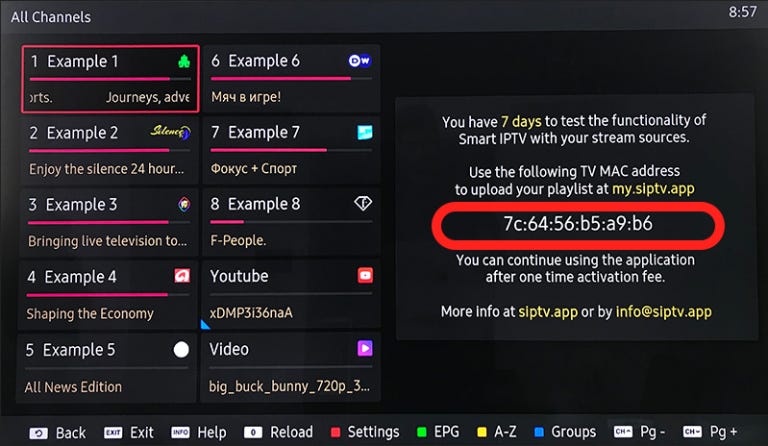
All the features of the paid subscription on all devices | by Hamaahamaa | Medium
Source: medium.com
Mac Extreme – Apps on Google Play

Source: play.google.com
What Is Mac Iptv, how to find the IPTV apk MAC address, 328.13 kB, 00:14, 14,184, Lemon Jiang , 2019-03-20T02:40:10.000000Z, 2, Mac Extreme – Aplikasi di Google Play, Google Play, 512 x 512, jpg, , 3, what-is-mac-iptv
What Is Mac Iptv.
Mac Extreme – Aplikasi di Google Play
What Is Mac Iptv, WebRead reviews, compare customer ratings, see screenshots, and learn more about Mega IPTV – m3u Player. Download Mega IPTV – m3u Player for macOS 10.13 or later and.
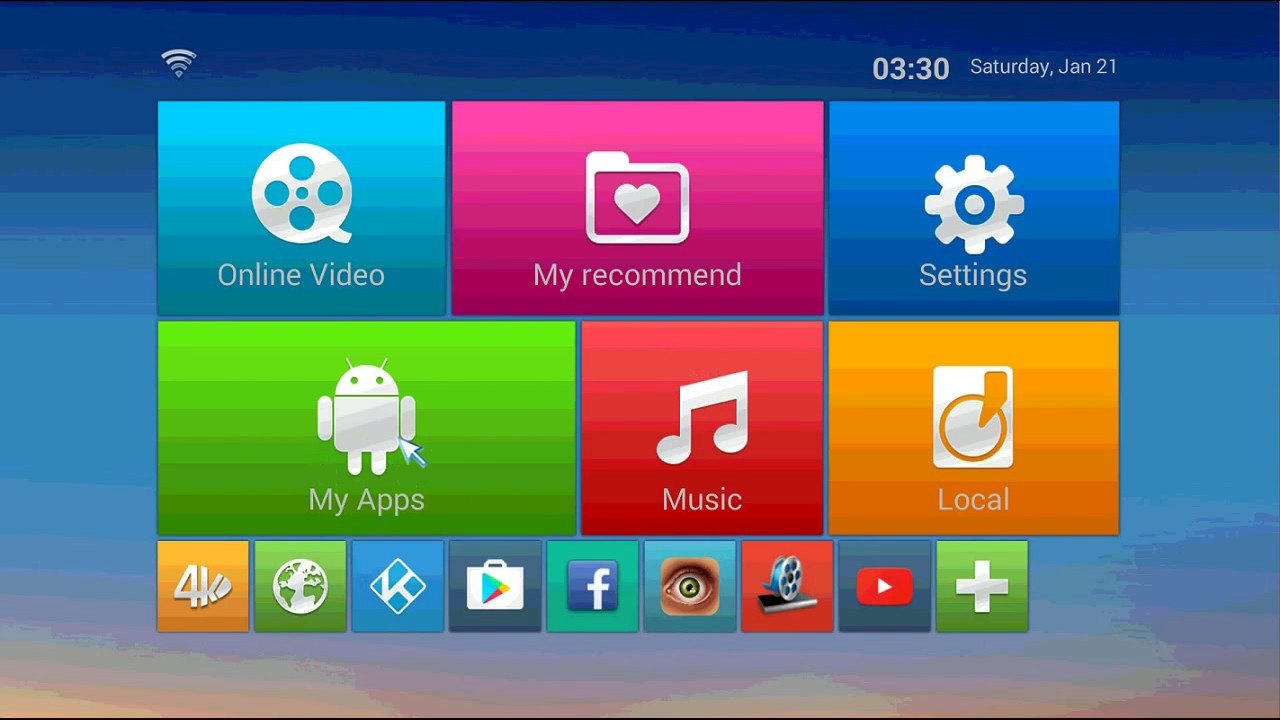
how to find the IPTV apk MAC address

Source: Youtube.com
IPTVselect APP installation and MAC ID for Live IPTV
Source: Youtube.com
The best IPTV player for Mac has made a big difference in how I enjoy entertainment. It uses Internet Protocol to send a wide range of content, such as
October 11, 2022 – GSE Smart IPTV is one of the most widely used IPTV players around the world. It has plenty of built-in features that make it one of the best IPTV players for Android. GSE Smart IPTV is also available for Android, iOS, Apple TV and Macbook. Like other IPTV players, GSE Smart IPTV does not contain any playlist or video content.
Welcome to IPTV Player Support (macOS) | IPTVPlayerSupport
It uses the same M3U and TXT playlist format as IPTV Player (Mac OSX) Support load local and remote playlist. , Connecting your device to your computer. If your macOS is earlier than Catalina, Open iTunes, click file sharing find the IPTV fast, add your playlist to its file share document.
Best IPTV Player for Mac to Stream IPTV Providers [Updated 2023] – IPTV Player Guide
3 weeks ago – VLC Media Player is the best IPTV player for Macbooks due to its extensive feature set. The IPTV Player has a unique and simple user interface. It is used for streaming local media files on most devices. Apart from this, VLC supports loading the IPTV content as well.
IPTV for MacBook – IPTV Compare
Wondering how to get IPTV for MacBook? If you have a MacBook and want to know how to install IPTV, then you’ve come to the right place.
GSE SMART IPTV PRO on the Mac App Store
October 11, 2022 – Dynamic Language support features – Language set to default language, however users can switch between 31 languages without changing device language setting – Supported language Arabic , Czech , Danish , German , Greek , English , Spanish , Finnish , French , Hebrew , Hungarian , Indonesian , Italian , Japanese , Korean , Malay , Dutch , Portuguese , Romanian , Russian , Swedish , Thai , Turkish , Chinese (Simplified) , Chinese (Traditional) , Catalan , Norwegian , Polish , Slovak , Ukrainian , Vietnamese Please report any bugs if you found one to david@gsetechnology.co.uk Disclaimer: – GSE SMART IPTV PRO does not supply or include any media or content except some sample dummy link with Sintel “Sintel” is licensed as Creative Commons Attribution 3.0. © copyright Blender Foundation | durian.blender.org – Users must provide their own content – GSE SMART IPTV PRO has no affiliation with any third-part provider what so ever.
IPTV Player on the Mac App Store
January 7, 2023 – Relax and watch your favorite shows on your Mac. IPTV Player is an advanced player that use TXT and M3U user created playlists. IPTV Player does not provide any actual playlists or contents. DISCLAIMER – IPTV Player does not supply or include any media or content. – IPTV Player has no affiliation with any third-party provider what so ever.
10 Best IPTV Apps for Windows and Mac – DigitBinAugust 13, 2023 – Looking to Stream Live TV, Movies or Sports on your Windows or Mac PC. Here are the Best IPTV Apps for Windows and Mac.
Mega IPTV – m3u Player on the Mac App Store
November 11, 2022 – Read reviews, compare customer ratings, see screenshots, and learn more about Mega IPTV – m3u Player. Download Mega IPTV – m3u Player for macOS 10.13 or later and enjoy it on your Mac.
15 Best IPTV Players for Mac in 2023
July 5, 2023 – Best IPTV Players for Mac: VLC Media Player, IPTV Smarters Pro, Kodi, FreeIPTV Player, OttPlayer, GSE Smart IPTV, Televiso IPTV Player, Web IPTV Player, IPTV Streamer Max, Perfect Player
r/macapps on Reddit: Which is the best IPTV player? MacOS/iOS
October 18, 2022 – I was wondering which app do you use on both platforms (macOS and iOS). I would like to be able to sync between them if possible. I wouldn’t mind to pay for the app, but I’m not looking for a subscription. , Archived post. New comments cannot be posted and votes cannot be cast. Locked post. New comments cannot be posted. Share … It doesn’t have an iOS app. … GSE is good. Anda mega iptv …
IPTV Smarters App is a fabulous video streaming player
July 5, 2023 – The IPTV Smarters App is a fabulous video player that allows end-users to watch their content like Live TV, Movies, and Series on their devices. It supports several platforms, including Android, iOS, Windows, MacOS, Web Browsers, Smart TVs, etc. Smarters Pro is compatible with various playlists like Player API Based Playlist, 1-Stream Panel API, and M3U Playlist / URL.
IPTV Smarters Pro for Mac – Download it from Uptodown for free
Download IPTV Smarters Pro for Mac for free. App to watch IPTV links on your Mac. IPTV Smarters Pro is the macOS version of the popular Android app. With,
Best IPTV Player for Mac to Stream Live TV Channels [Updated 2023] – IPTVPlayers
August 21, 2023 – GSE Smart IPTV is one of the popular IPTV players that is compatible with many devices, including Mac. Using GSE Smart IPTV, you can convert M3U, Xtream Code API, remote playlist, etc, to the viewable media format. You can use GSE Smart IPTV to live stream IPTV channels. Compatible with ARMV7A, ARM64, and INTEL X86 devices. You can easily add and record Live TV content. , IPTV Smarters Pro is an easily available IPTV Player that is used widely by users for streaming.
What is MAC address and why do you need it? – Best iptv services
MAC address is simply a unique identifier code that is used to link your device to our service when you use MAG box, IPTV box, STB Emulator or Smart-STB on Samsung/LG Smart TV · Each device can have different MAC addresses when it has multiple network interfaces or network cards.
How to Get an IPTV to Work on a Mac | Techwalla
December 26, 2018 – As a budding platform, internet protocol television hasn’t quite hit the mainstream – it takes a little doing to get IPTV on OS X. VideoLAN’s VLC supports IPTV, but requires some setup, while options like GSE Smart IPTV and other Mac App Store apps offer more streamlined options.
30 Best IPTV Player for Mac – Tech Follows
2 weeks ago – If you’re a Mac user, use the IPTV player mentioned in this guide to get an excellent streaming experience. Whatever IPTV service you use, ensure that you set up and use a NordVPN while streaming videos on the app. It is difficult to identify whether an IPTV is legal or not.


Post a Comment